
B2B on Shopify basics and wholesale rollout for smaller stores
An operator’s guide to B2B on Shopify for smaller stores: what it can do, how it differs from the old Wholesale channel, how to design B2B customers, price lists, and payment terms, and how to launch wholesale with minimal effort. Includes how RecoBoost can support B2B.
To start with the conclusion, B2B on Shopify is a full‑fledged wholesale feature set for Shopify Plus, and even smaller stores that cannot use it yet should treat it as a “blueprint for future B2B”. Because you can manage prices, payment terms, and purchasing rules per buyer in a single admin, it becomes a powerful weapon once B2B sales grow beyond around 20–30% of total revenue. Conversely, until you reach that stage, instead of trying to chase every last feature, it is more important to clarify “what we would actually need if we started B2B”. This article focuses on what is documented in Shopify’s official materials to outline B2B on Shopify and, from a practical operations standpoint, what smaller stores should start preparing now. First, get a grasp of the big picture and then consider which parts you can bring into your own wholesale operations.
What is B2B on Shopify? How it differs from conventional wholesale
B2B on Shopify is a set of sales capabilities for corporate and wholesale buyers provided to Shopify Plus merchants. Officially, Shopify describes it as a system that lets you use the same admin and product data as your existing online store while configuring B2B‑specific prices and payment terms. The previously offered Wholesale Channel for Plus merchants is no longer available to new users, and development is moving toward consolidating future wholesale functionality into B2B on Shopify. If you want to grow B2B on Shopify over the medium to long term, it is realistic to align your thinking around this model. Because B2B on Shopify is limited to Plus, Basic–Advanced plans cannot use it directly for now. However, the underlying concepts are directly applicable when running wholesale on standard plans. Whether or not you create a separate wholesale store and domain, the key design mindset is to “differentiate prices, terms, and the purchasing experience per customer.”
What you can actually do with B2B on Shopify
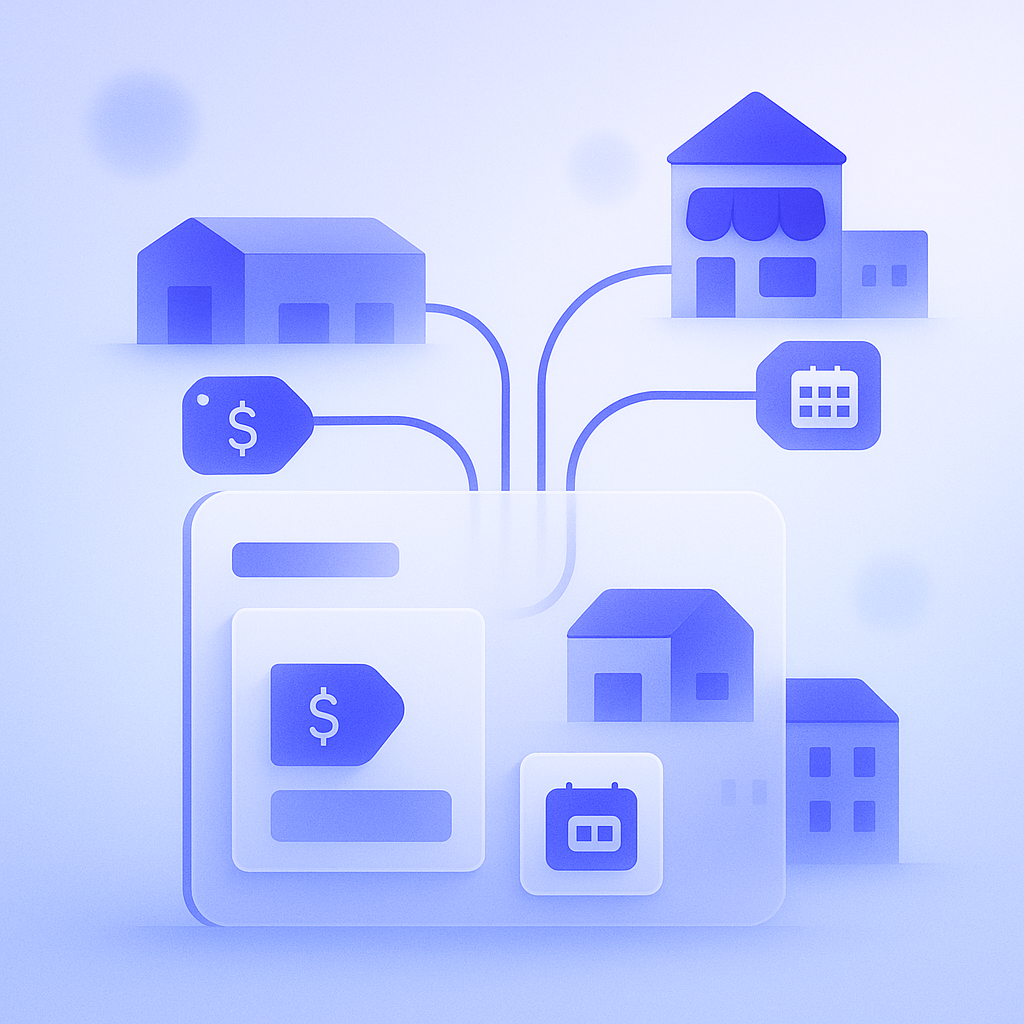
According to Shopify’s official documentation, B2B on Shopify mainly enables the following. In all cases, you share the existing product catalog and inventory while varying conditions only for B2B. First, management of B2B customers and locations. You register each company along with its locations (stores, branches, etc.) and link individual contacts (buyers) to them. This lets you mirror real‑world operations, for example separating billing and shipping addresses for the Tokyo and Osaka offices of the same company. Second, price lists. For specific companies or locations, you can set discounts from the regular price or fixed wholesale prices. You can vary discount rates per product, so you can faithfully reproduce realistic conditions online such as “30% off standard items, 10% off limited editions.” Third, payment and ordering terms. With B2B on Shopify you can configure payment terms (e.g., pay now vs. pay later), minimum order values, and cart‑level purchasing rules per company or location. If you currently manage flows offline such as “prepayment on the first order, end‑of‑month invoicing from the second order onward”, a Plus environment allows you to bring that closer to an online process.
Benefits for smaller stores and common stumbling blocks
The biggest benefit of B2B on Shopify is unified management of B2C and B2B. Because products, inventory, order management, and reporting are shared, once B2B reaches around 30% of total sales, you clearly see reduced labor and fewer errors compared with running a separate system. For example, many merchants manage wholesale price lists in Excel, rebuilding buyer‑specific sheets and sending them by email every time prices rise or fall a few times a year. If you consolidate into B2B on Shopify price lists, you can maintain a situation where “the latest wholesale prices are always shown when a buyer logs in,” cutting rework such as correcting invoices due to price mistakes. That said, when a smaller store tries to fully master B2B on Shopify from day one, the sheer number of settings can easily become a stumbling block. A common failure pattern is over‑segmenting conditions by buyer from the outset until neither you nor your trading partners can keep track. If you simply replicate ad‑hoc offline deals like “Company A gets bundle discounts, Company B gets free shipping, Company C is always custom‑quoted,” operational load will explode. At first, it is better to organize broad rules and then translate them into settings, for example “2–3 price patterns” and “no more than 2 payment terms.”
Key design points to understand even before you move to Plus
Even if you are not currently on Shopify Plus, the design philosophy behind B2B on Shopify is directly useful as a reference for wholesale operations. The two most important aspects are how you manage customers and how you build price rules. For customer management, keeping in mind the two‑layer structure of Company and Location used in B2B on Shopify will make migration easier if you upgrade to Plus in the future. For instance, even if you are currently on a standard plan running wholesale via a password‑protected collection, simply organizing “company name, contact person, department or store name, billing address, shipping address” in customer notes or tags will later make it easy to map them to companies and locations. For price rules, instead of designing only around a single blanket discount from list price, plan from the outset to vary discount rates by category or specific SKUs so it maps smoothly to B2B on Shopify price lists. For example, if you separate into three or four tiers such as “consumables 40% off, fixtures 20% off, limited collaborations not discounted,” you can later reproduce this with features more easily and better grasp the impact scope when prices increase.
Launching wholesale with minimal effort: example implementation steps
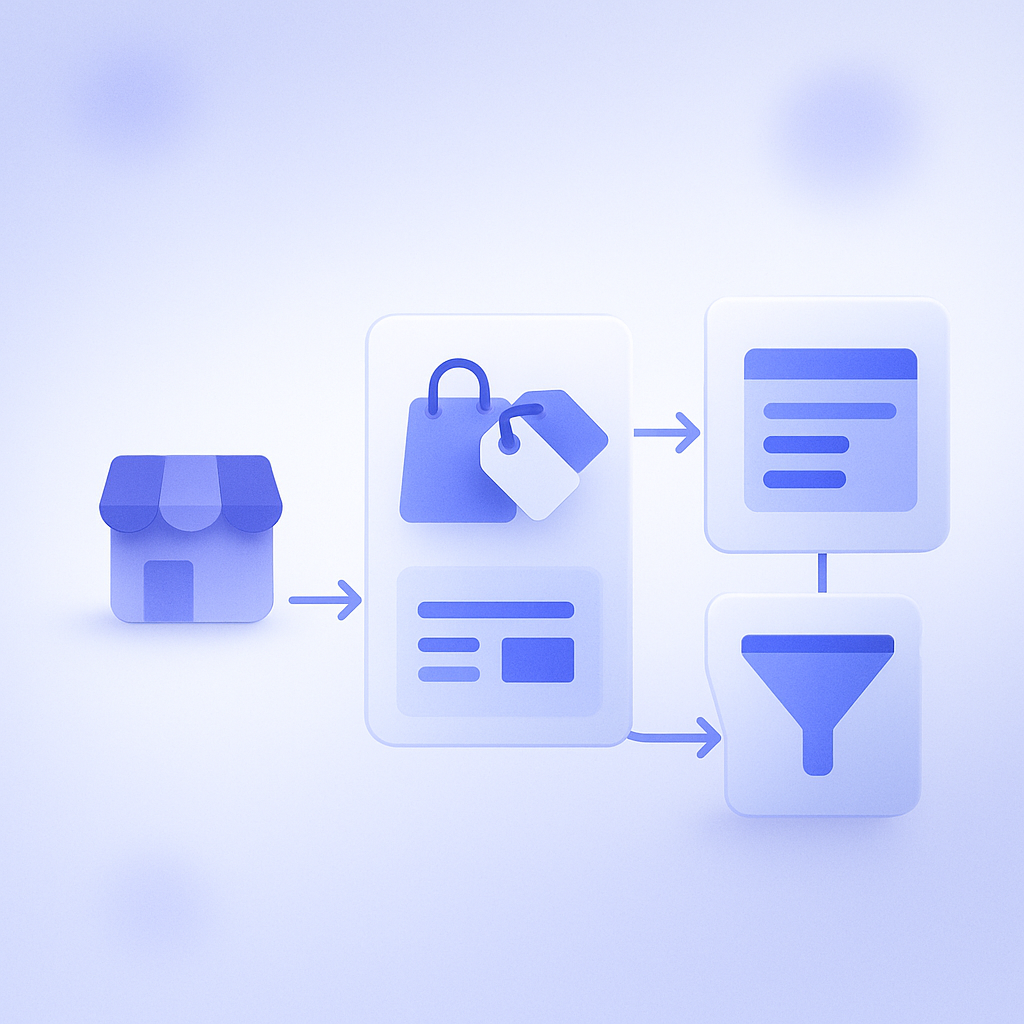
Assuming you may eventually move to B2B on Shopify, smaller stores that are not yet on Plus can realistically start wholesale with limited effort by following steps like these. First, separate B2B customers. Define tags or custom fields that indicate corporate or business buyers, distinct from regular B2C customers, and start applying them to existing customers. At this stage, prices and terms can still be shared; the goal is simply to make B2B orders identifiable in reports. Next, draft your price tables. A simple Excel sheet is fine: list MSRP, wholesale price, and target margin per SKU and organize these into at most three or four discount patterns. Here it is critical not to try to reproduce every single request from existing trading partners, but to move toward rules that will remain workable as you add more buyers. Finally, design a B2B‑specific purchasing path. On Plus, you can consider B2B on Shopify‑specific stores or B2B‑ready themes, but on standard plans it is more realistic to start with a simple flow such as password‑protected collection pages or discount codes reserved for business accounts. The purchase paths you establish here will later be valuable data when you migrate to B2B on Shopify, for example showing which pages tend to generate orders.
How to use RecoBoost: recommendations tailored to each B2B customer
Within the B2B on Shopify worldview, it is taken for granted that each company sees different catalogs, prices, and terms. When using RecoBoost, the key is to reflect this thinking by designing separate recommendation logic for B2B and B2C customers. Concretely, for customers tagged as corporate, you prioritize recommending SKUs that company has previously purchased in volume or replenishment items frequently bought together by others in the same industry. The goal is to let purchasing staff add the necessary replenishment items to the cart without having to search for SKUs every time. For B2C customers, by contrast, you center your design on personalization based on browsing behavior and individual purchase history, so you can use the same product catalog while simultaneously improving “ordering efficiency for B2B” and “shopping experience for B2C.” If you clearly segment B2B and B2C within RecoBoost from the outset, then when you eventually move to Plus and adopt B2B on Shopify, you can more smoothly shift to a recommendation setup linked to B2B‑specific stores and price lists.
B2B on Shopify is currently a robust wholesale feature set limited to Shopify Plus, but its design principles are just as valuable for smaller stores starting wholesale on standard plans. If you first lock in ideas like “customer management by company and location,” “discount design based on price lists,” and “standardized payment terms and purchasing rules,” you can begin with simple purchase paths today and still transition smoothly when you later upgrade to Plus. A good first step is to review your current B2B sales mix and the spread of conditions across trading partners, then consolidate them into three or four rule patterns.