Blog

Practical tips for Shopify merchants — from store operations to recommendations and the latest platform updates.

  • Simple illustration of a Shopify-style dashboard and parcels arranged in a circular flow, representing the return and refund cycle of an online store.

    Designing Shopify Return and Refund Flows That Don’t Break

    A practical breakdown of Shopify return and refund (RMA) operations: how to set numeric policies, map them to Shopify’s refund flow, align with warehouse and CS, avoid common pitfalls, and finally use RecoBoost to turn return data into site improvements.

  • Illustration of a user operating a clean Shopify checkout screen with only essential input fields and a clear, prominent purchase button, conveying a simple, low-stress buying flow.

    6 checkpoints to improve Shopify checkout UX and lift CVR

    If you see heavy drop-off in your Shopify checkout, start by fixing six basic UX elements. From trimming form fields to clarifying shipping and payment, error handling, and mobile UX, here are practical improvements you can make with Shopify’s built‑in features.

  • Illustration of a merchant rearranging Shopify product cards on a screen to design upsell and cross-sell offers across the store

    Designing effective upsell and cross-sell flows in Shopify

    To make upsell and cross-sell work in Shopify, you must decide which products to target, on which screens, and with what offers. This article walks through practical design steps and common pitfalls for product pages, cart, and post-purchase flows.

  • Illustration of an online product page surrounded by related items, showing how on-page recommendations can increase average order value in an ecommerce storefront.

    Four High-Impact Recommendation Placements to Grow AOV

    The fastest way to raise AOV is how and where you place products. With four well-chosen recommendation spots, you can lift AOV 5–10% without raising ad spend. This post outlines concrete Shopify placement patterns you can try today and what to watch out for.

  • Abstract illustration of an online store cart screen with a small number of recommended products displayed around the cart area, expressing a clean, unobtrusive recommendation layout.

    Designing cart recommendations that lift AOV without hurting checkout

    Cart recommendations do not automatically increase revenue. Done poorly, they depress conversions. This guide covers where to place them, what and how many items to show, what copy to use, and how to implement them in Shopify, plus how to apply RecoBoost effectively.

  • Abstract illustration of gears representing Shopify store checkout, discount, and shipping logic working together behind the scenes

    Practical Shopify Functions vs Scripts guide for real-world stores

    Shopify Functions safely extend checkout logic for discounts, shipping, and payments, but differ from legacy Shopify Scripts in scope and limits. This guide clarifies what you can and cannot do, and how to plan a realistic migration using common ecommerce use cases.

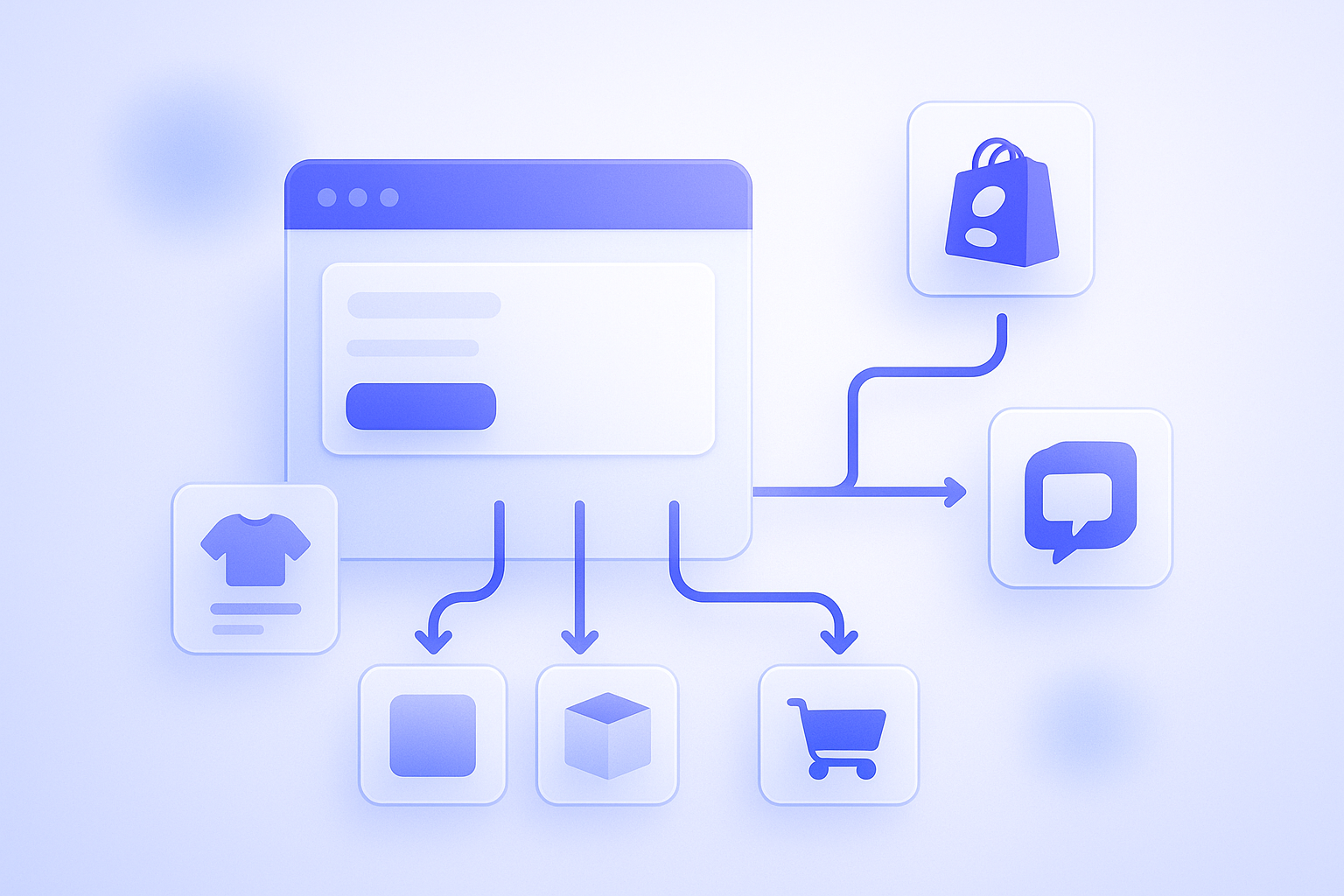
  • Simple diagram showing how Theme App Extensions and App Embeds add additional functionality into a Shopify storefront without directly editing the theme code

    Making Sense of Theme App Extensions and App Embeds in Real Operations

    Theme App Extensions and App Embeds both add app features into your theme, but what they can do and where you manage them differ. This article clarifies the differences and when to use which, focusing on points Shopify operators often struggle with in day‑to‑day work.

  • Illustration of a Shopify product catalog layout where dedicated metafield boxes inside product data are highlighted to show how metafields fit into catalog design

    Practical Shopify Metafields Guide: What to Store and What to Avoid

    Shopify metafields work best when treated as dedicated boxes for specific data, not catch‑all notes. This guide draws the line between what should and should not go into metafields, common failure patterns, and practical design rules that keep product data and content maintainable at scale.

  • Illustration showing Shopify product variants for colors and sizes being organized so the total number of variants fits within the 100-variant limit per product.

    Shopify’s 100 Variant Limit and Practical Workarounds

    Shopify’s 100-variant-per-product limit is easy to hit for items with many colors and sizes. This article maps where the limits are, what to trim, and how to split products, giving concrete patterns you can actually implement in day‑to‑day operations.

  • Illustration showing Shopify collections automatically organizing products into multiple groups based on preset conditions like tags, price, and inventory

    Practical ways to run Shopify collections with automated conditions

    Designing your store around Shopify automated collections dramatically cuts merchandising time as SKUs grow. This post explains condition design, common pitfalls, and when to fall back on manual collections, at a level you can apply directly in daily operations.

  • Illustration of an online store product shelf being organized together by AI recommendations and a store manager doing manual curation, working side by side.

    Practical guide to balancing AI recommendations and manual curation

    Treat AI recommendations as your “daily automated salesperson” and manual curation as your “merchandising planner.” This guide shows how Shopify merchants can combine both to grow revenue while controlling workload, with concrete page layouts, rules, and failure patterns.

  • Abstract illustration of a Shopify-style checkout screen showing both a discount code input field and an automatically applied discount on the same cart to contrast the two methods.

    How to Use Shopify Discount Codes vs Automatic Discounts

    Shopify discount codes and automatic discounts differ in more than just manual entry vs auto-apply. This guide maps which to use for each campaign scenario and walks through practical setup and operations so you avoid checkout issues while protecting both revenue and customer experience.

  • A Shopify store owner standing at a fork in the road, unsure whether to choose between two email marketing tools represented as different paths

    Klaviyo vs Shopify Email: How to Choose for Real-World Store Ops

    Many Shopify stores struggle to choose between Klaviyo and Shopify Email. For up to roughly 10,000 sends a month, Shopify Email is often enough; as revenue and campaign complexity grow, it becomes realistic to bring in Klaviyo. This post compares them on features, cost, and ops, and explains when

  • Illustration of a Shopify product page where the title, description, images, and links all have green checkmarks, expressing a fully optimized page for SEO.

    Shopify product page SEO checklist to lift organic traffic

    On Shopify, SEO performance depends heavily on how well each product page is built. Beyond titles and copy, this checklist covers images, structured data, and internal links you can apply directly in day‑to‑day store operations.

  • Illustration of a store manager adjusting the layout of an online store in the Shopify theme editor, fine‑tuning sections and banners before publishing changes

    Non‑Engineer Store Owners’ Guide to Shopify Theme Customization

    Even if you are not an engineer, you can safely customize your Shopify theme by knowing what you can edit and how to protect yourself. This guide organizes practical steps from no‑code settings to basic Liquid concepts and backup methods you can use in day‑to‑day operations.