


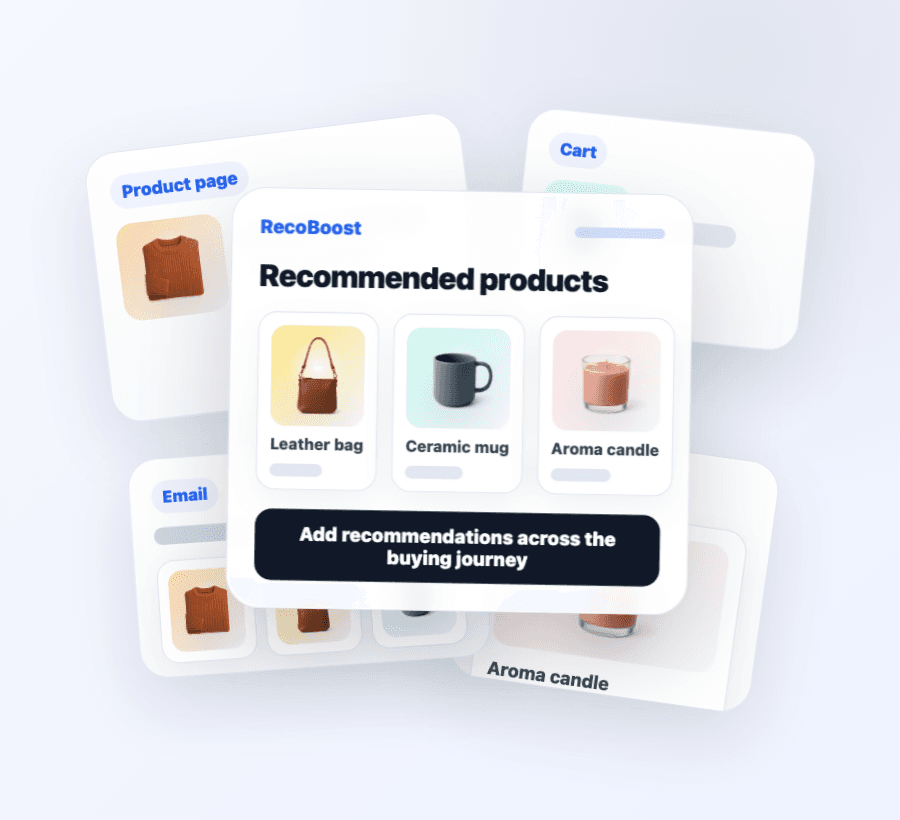
Storefront
Show recommendations on product pages, cart, and thank-you pages
Place AI-powered product recommendation blocks across the Shopify buying journey—without editing theme code.
- Product page
- Cart
- Thank-you + email
Shopify · AI recommendations & upsell
Maximize your Shopify store's Average Order Value (AOV) through highly precise, AI-powered product recommendations and upsells.
Covering everything from product pages and carts to thank-you pages and emails. Zero code editing required, no usage-based fees, and featuring 11 optimization logics ready to launch.
Storefront
Place AI-powered product recommendation blocks across the Shopify buying journey—without editing theme code.
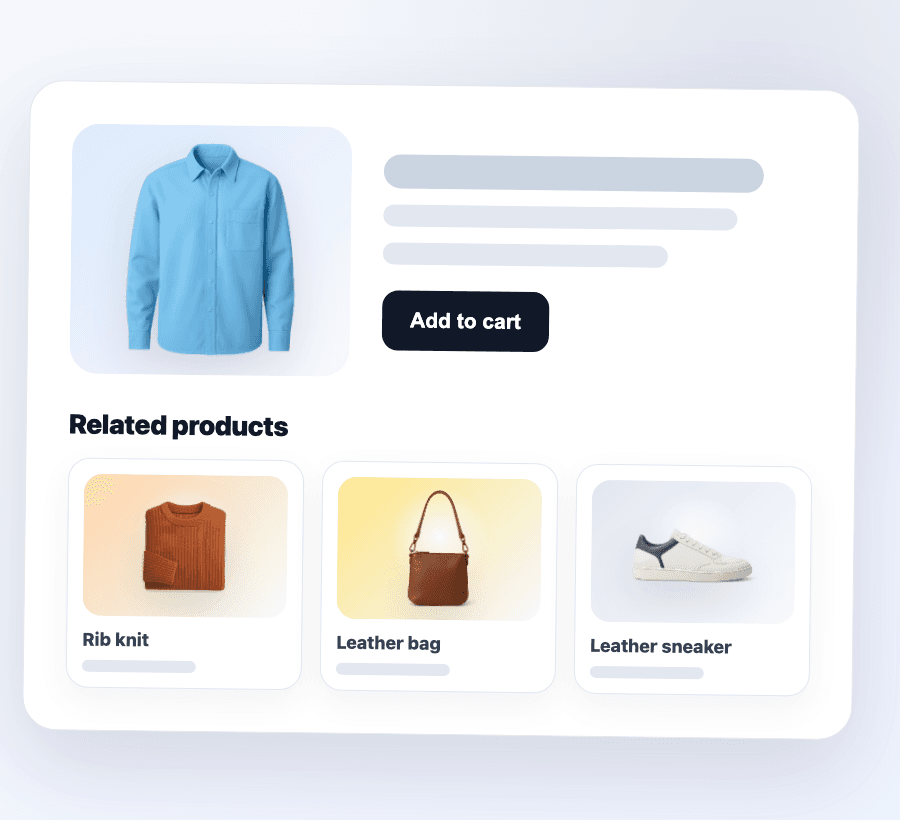
Product page
Show related and AI-similar items next to the product shoppers are viewing to keep them browsing.
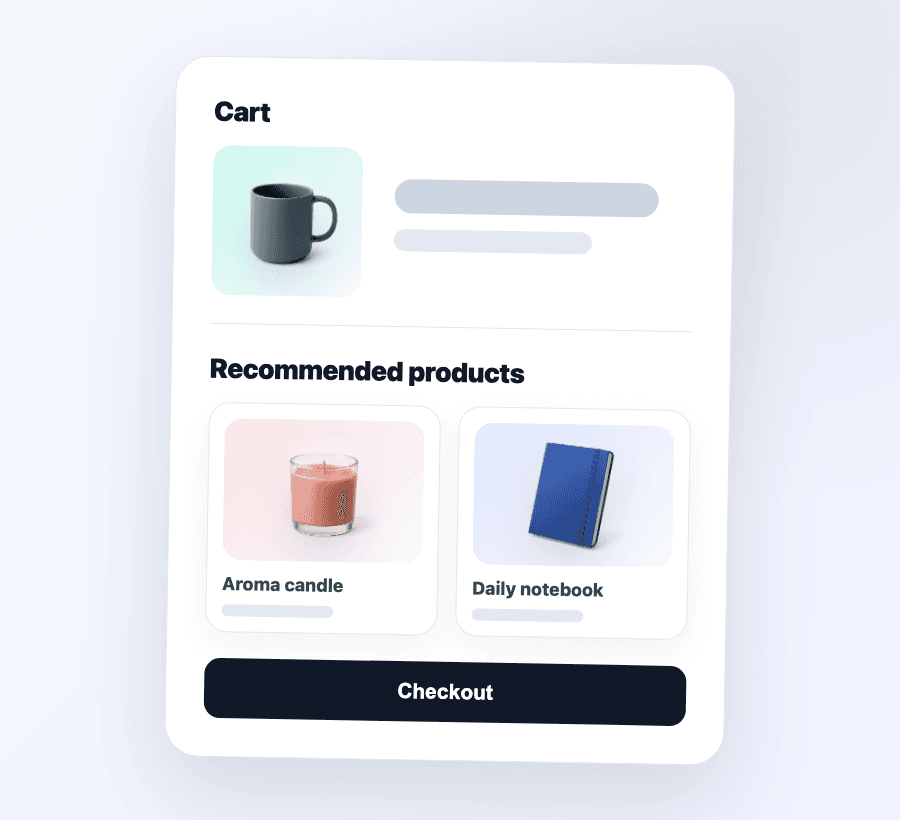
Cart upsell
Cart cross-sell and a free-shipping bar on the /cart page—and on supported theme cart drawers (Dawn, Sense, Craft, and similar Online Store 2.0 free themes) with the app embed on. Not a Smart Cart replacement.
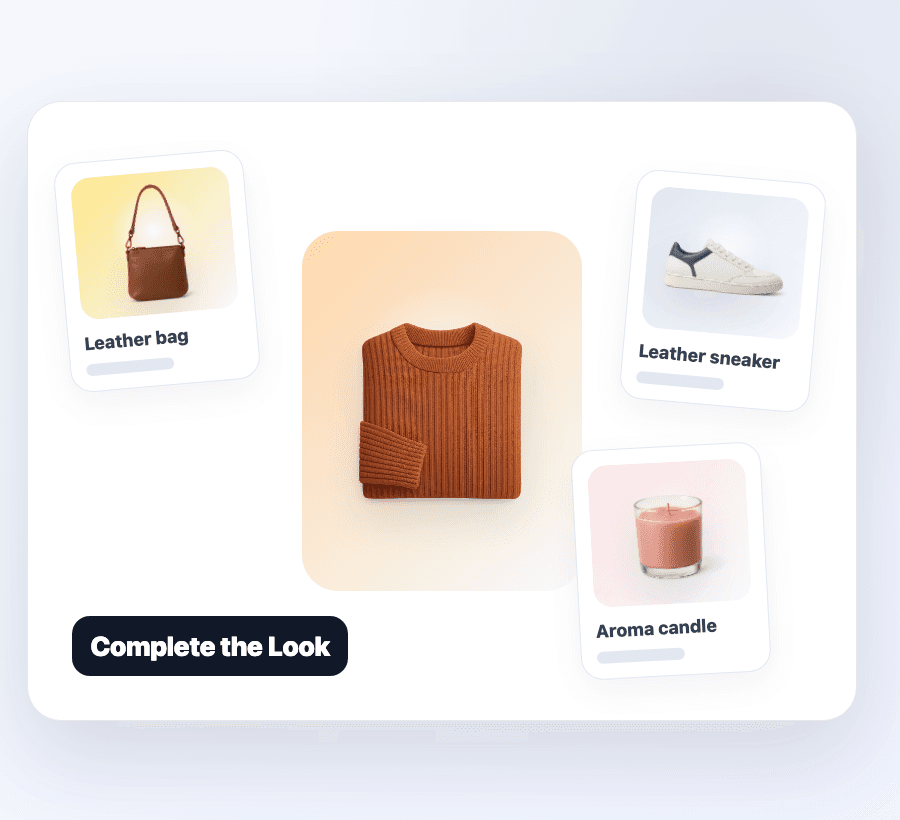
Complete the Look
Complete the Look pairs co-purchase data with AI similarity for outfit and set-style merchandising.
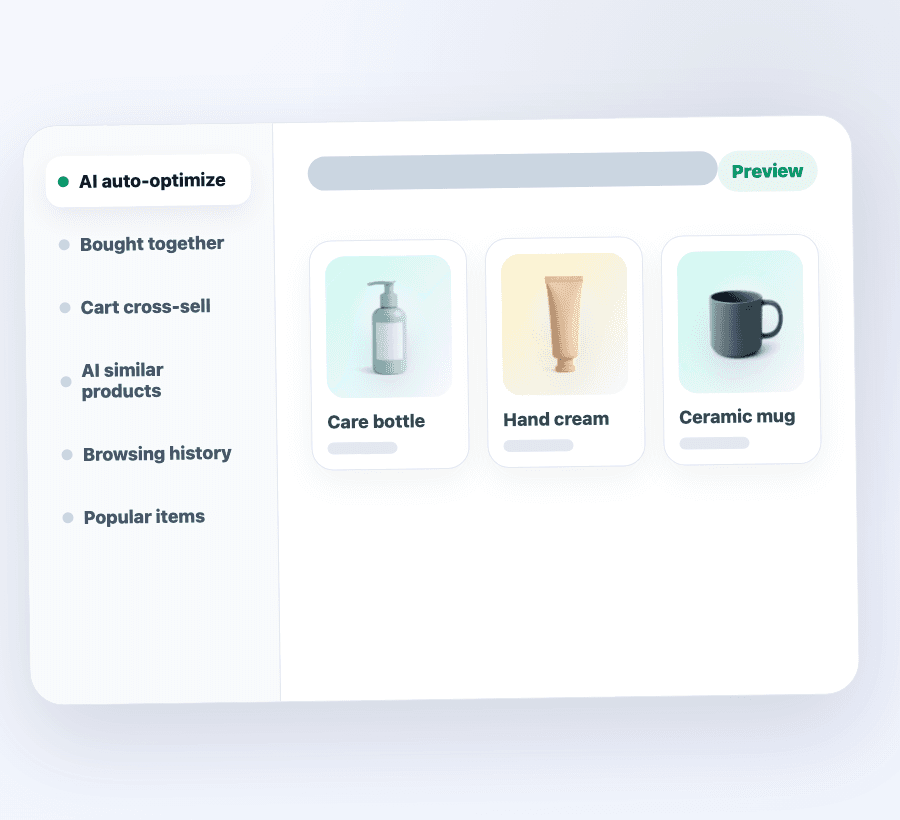
Recommendation logic
Trending, browsing history, frequently bought together, AI similar items, and more.
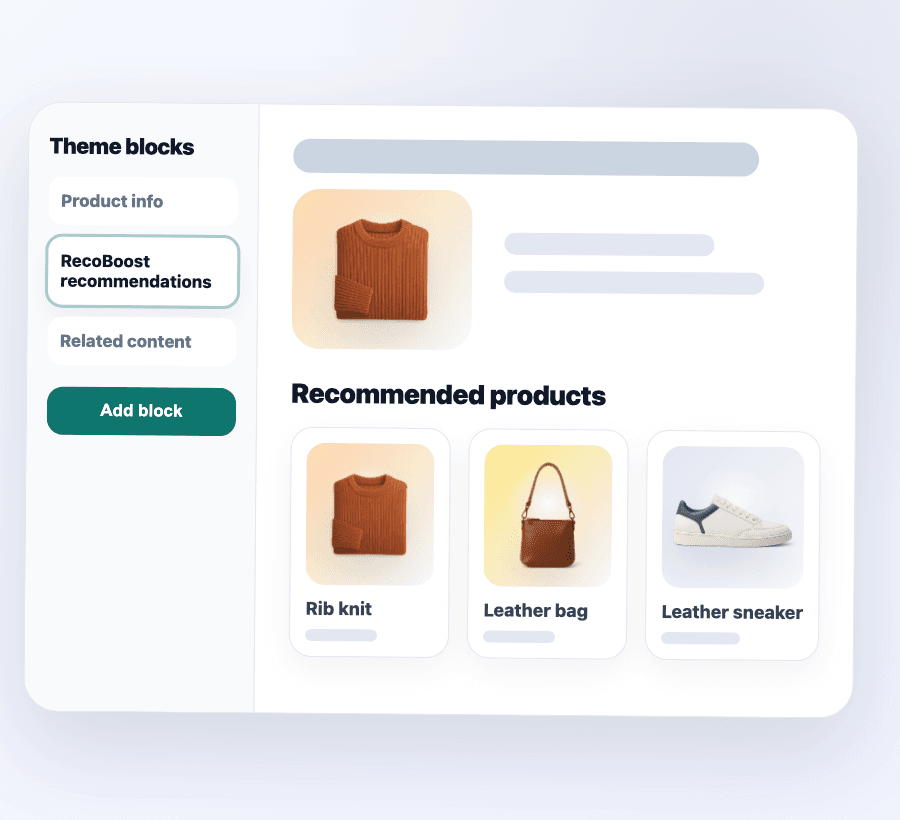
No code setup
Place recommendation widgets on product pages and cart without touching theme code.
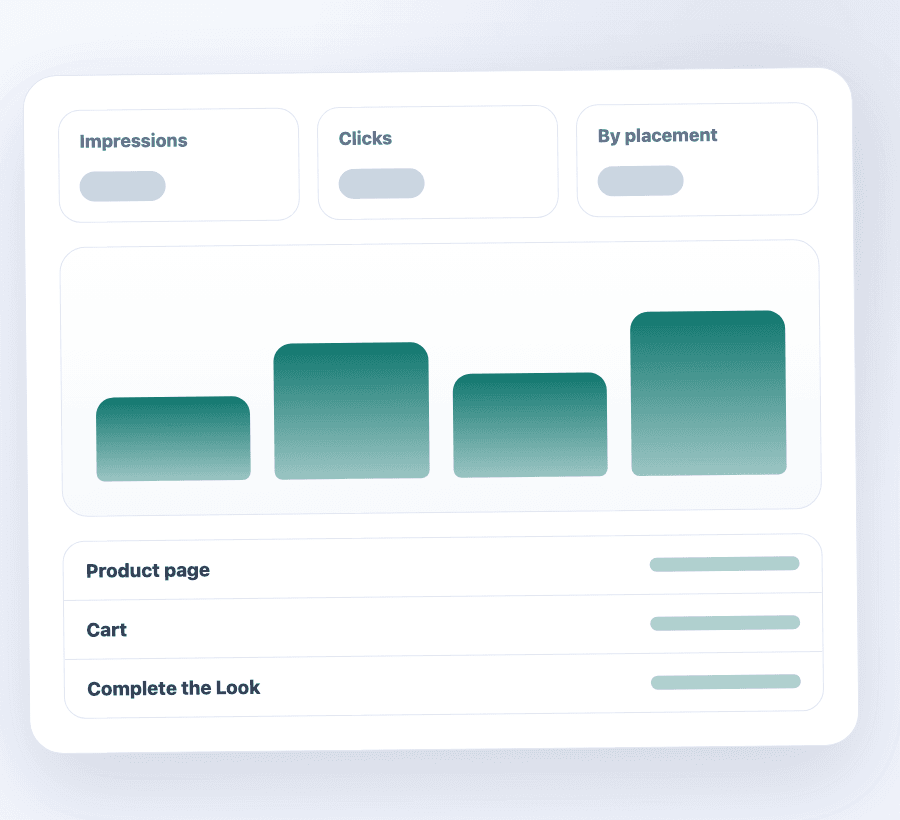
Analytics
See how each placement and logic performs, then iterate on what is working.
Also built in
These features are not shown in the screenshots above, but they ship in the same app when you need to lift AOV further.
Bundle discount · Core+
Show a bundle CTA on the product page. When both items are in cart, Shopify Functions applies the discount—no coupon code.
Free-shipping bar
Cart upsell mode can display a free-shipping progress bar on the cart page and in supported drawers. Set the threshold in admin—choose from five banner styles (Minimal, Standard, Playful, Mono, Soft).
Powering the upsell layer
Deploy bundle discounts, free shipping bars, and AI automated recommendations across your entire sales funnel. Guide customers to higher-value conversions seamlessly, driven by data-backed AI without the hassle of manual configuration.
Plus collection, search, blog, article, and page placements. Cart covers the /cart page and Dawn-style drawers on Online Store 2.0 free themes (e.g. Dawn, Sense, Craft). Eleven touchpoints, one engine.
Install from the Shopify App Store, open RecoBoost Home, done. Widgets land on product, home, and cart on supported themes—including Horizon. Defaults already make sense.
Ships as a Theme App Extension. No theme.liquid edits, no off-brand widgets, removable in one click.
Thompson Sampling routes shoppers to the recommendation logic that converts best—no manual A/B tests required.
From the storefront home through checkout, the thank-you page, and email—one engine, eleven touchpoints.
No hidden fees. Scale your sales without worrying about extra costs per click or order.
Shopify Flow triggers, dynamic email recommendations, and MCP for AI tools like Cursor, Claude, and Codex.
Omnichannel Capabilities
RecoBoost's AI isn't limited to your storefront. It seamlessly integrates with emails, automated workflows, and your favorite AI development tools, letting you manage and power smart recommendations from anywhere.
Email recommendations
Drop a single image tag into Klaviyo, Mailchimp, Omnisend, Shopify Email, or any ESP template. Each open renders fresh recommendations server-side—no SDK, no provider lock-in.
Shopify Flow triggers
Three first-party Flow triggers fire when shoppers click, add to cart, or convert via a RecoBoost recommendation. Tag customers, notify Slack, kick off rewards.
MCP Integration
With Model Context Protocol (MCP) support, you can now check status or update recommendations inside Cursor, Claude, and more. Manage widgets and review performance via text without switching tabs, streamlining your daily operations.
From browsing history and similar products to "frequently bought together" and AI automated optimization—flexibly combine the perfect recommendation algorithms tailored to your store's context and user intent.
Built for the Shopify stack
RecoBoost installs as a standard Shopify app, surfaces in the storefront via Theme App Extension, and configures from a Polaris-styled admin you already know.
Theme App Extension
Drop blocks into theme sections. No theme.liquid edits.
Polaris admin
Settings, performance, and merchandising in one familiar UI.
Latest Shopify Admin GraphQL
Built against the current stable API version.
Verified webhooks
Authenticated subscriptions, including app uninstall cleanup.
Under the hood
You should not have to care about the stack—but if you do, here is what is doing the work.
Catalog, sessions, and vector storage for AI similarity.
Hot recommendations cached close to your storefront.
Title and description vectors for similar-item search.
Bayesian routing that balances exploration and exploitation.
Serverless rendering for the admin and recommendation API.
Always-on error and performance monitoring across the stack.
Simple pricing
Four tiers—from Free through Pro. All strategies and Shopify Flow ship on every plan; email recommendations start on Starter, bundle discounts on Core. The main dial is catalog size.
Try setup on a small catalog.
For shops scaling past the first SKU set.
For growing catalogs.
For high-volume catalogs.
Paid tiers include a 30-day free trial. Free stays at $0—no Shopify app subscription.
Pay annually for the price of 10 months (save ~17%).
Billing handled by Shopify. Cancel anytime—you keep access until the end of your trial or billing period. Merchants on grandfathered legacy tiers keep their existing caps and billing.
What's new
Highlights from the latest RecoBoost releases.
Product, cart, and cart-drawer recommendations now share the same fetch and tracking path. Setup right after install is also more dependable. Your settings and workflow are unchanged.
On Online Store 2.0 themes, recommendation widgets are now placed automatically at install.
For some newly installed shops, store registration could fail, so storefront recommendations and metrics such as impressions did not work correctly. This is fixed. Affected shops should recover automatically.
On supported themes (such as Dawn), turn on “Also show in the cart drawer” with the app embed enabled—recommendations appear in the slide-out cart without theme code edits. Toggle it anytime in Cart settings.
On the pricing page, Free vs paid plans are clearer at a glance. You can also switch monthly or yearly billing right away.
No usage-based pricing. Free covers up to 250 products; Starter and above fit live catalogs. Add a theme block and go live.