
Do Smaller Shopify Stores Really Need Hydrogen and Headless?
Shopify Hydrogen and headless commerce sound appealing, but for many small to mid-sized stores, sticking with a standard theme actually performs better. This article maps out, by revenue, team setup, and requirements, when to stay on a theme and when headless is worth considering.

To jump straight to the point: for most small to mid-sized Shopify stores, a standard theme is more than enough for now. Going headless with Hydrogen is something you should only consider when specific conditions are clearly met. Prioritizing the balance between operational effort and revenue impact, rather than the visual “cutting-edge” feel, is far more likely to produce results.
This article assumes you are looking at Shopify’s official Hydrogen / Oxygen stack, and整理s when a small store should consider headless commerce versus where you should keep pushing with a standard theme. With real-world failure cases mixed in, the goal is to get you to a point where you can confidently answer, “Is now the right time for our store?”
What Shopify Hydrogen and headless commerce really are, from an operator’s point of view
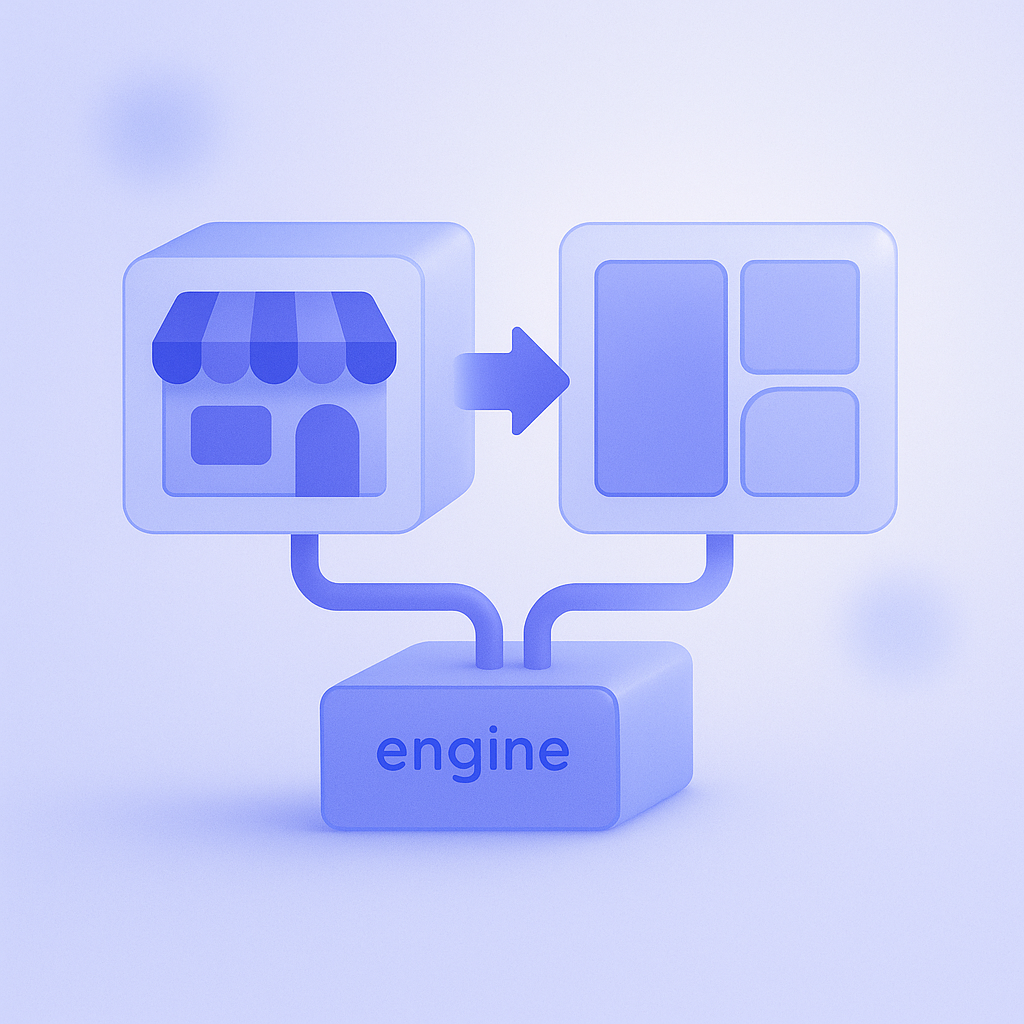
Hydrogen is a React-based framework officially provided by Shopify. It is a development toolkit for building a custom storefront (the customer-facing site) using the Storefront API. Unlike editing in the standard theme “Customize” screen, you design the UI and structure freely from the ground up in code.
Headless commerce is an approach where the admin side (inventory, orders, product management, etc.) and the front-end display are separated and built with different technologies. In Shopify’s case, you leave the backend work—inventory, payments, order processing—to Shopify, while you build the front end freely with Hydrogen or similar tools.
From an operator’s perspective, headless means moving from “a world where you can quickly edit things in the theme editor” to “a world where your development team builds and edits screens in code.” You gain expressiveness and flexibility, but the range of things the operations team can change on its own becomes much narrower.
- Degree of freedom: standard theme < Hydrogen (headless)
- Development cost: standard theme < Hydrogen (headless)
- Ease of day-to-day operations: standard theme > Hydrogen (headless)
Three conditions that should trigger a serious look at going headless
You are safer treating Hydrogen-based headless as a fallback option when “a standard theme truly cannot handle what you need,” not as something you do “just because you want to.” For small and mid-sized stores, it is easier to judge if you use this as a rule of thumb: at least two of the following three conditions should apply before you consider it.
- Ultra-fast rendering and advanced UI have a direct, measurable impact on revenue (for example, complex custom product simulators, diagnostic flows, and similar experiences).
- You want to manage multiple stores or multiple channels in a unified way (for example, switching countries or brands from a single storefront).
- You have in-house front-end developers, or a stable long-term relationship with an external partner who can continuously support you.
For example, if you are a D2C brand with complex parts customization and you want to show 3D previews or multi-parameter simulations right on the product page, a standard theme can easily hit performance and UI limits. In that kind of case, selectively going headless with Hydrogen for the critical parts can significantly upgrade the experience.
On the other hand, if your only reasons are “we kind of want the site to be faster” or “we want a more stylish design,” jumping into headless often just inflates development costs and operational burden while revenue barely moves. When your monthly revenue is still in the low millions of yen range, you usually have plenty of room to grow through optimizing your theme and using apps, so you are better off being very cautious about headless.
When a standard theme is enough, and the improvements you should tackle first
If you are in the following situation, you will generally get a much better return on investment by improving your current theme before you even think about Hydrogen or headless.
- You have on the order of a few dozen to a few hundred SKUs, and your category structure is simple.
- Your content is mainly product pages, without complex search or filter requirements.
- Your operations team frequently updates copy and sections from the theme editor.
Take the common case where someone says, “We want to go headless because our site is slow.” When you look under the hood, you often find oversized images or more than 10 unnecessary apps installed—issues you can fix while staying on a standard theme. In one such case, simply reviewing the theme and pruning apps improved the speed score from the 30s to the 70s.
Sorting on collection pages, how recommended products are displayed, and the flow around the cart can usually be adjusted quite flexibly in many themes. If you go headless before you fully optimize these areas, you often end up in a situation where “we adopted an expensive framework, but our actual tactics are the same as before.” You will get faster PDCA cycles if you first exhaust what you can do with a standard theme.
Concrete pros and cons of Hydrogen and headless commerce
The benefits most commonly cited for Hydrogen and headless are things like “faster page speed,” “freedom in design,” and “easier integration of multiple services.” However, these only really pay off when the right conditions are in place—they do not automatically apply to every store.
- Examples of benefits:
- Easier to implement complex search, filters, and diagnostic content in a cohesive UI
- Easier to seamlessly integrate your blog, media, and brand site with ecommerce
- Easier to unify the customer experience across multiple channels through the Storefront API - Examples of drawbacks:
- Initial development costs tend to be high; investment can easily reach into the millions of yen
- The operations team can no longer make near-no-code updates; even small changes consume developer time
- Some apps assume a theme-based integration, so you may need extra development to recreate the same UI
One commonly overlooked issue is “difficulty integrating apps.” Theme-focused apps are built on the assumption that they can auto-insert code into the theme to add functionality. In a headless setup, you increasingly have to integrate only the data via the Storefront API and build the UI yourself. As a result, even adding a single app can require extra development, slowing down your operations.
Headless can improve page speed in some cases, but in practice, you can often achieve major gains on a standard theme just by optimizing images and removing unnecessary scripts. If you expect headless to be a magic bullet for speed, you risk a big gap between your expectations and reality.
Where to draw the line: deciding based on implementation cost and your operating structure

When you consider Hydrogen or headless commerce, you must estimate both the “upfront implementation cost” and the “monthly operating cost (developer hours involved).” This is not a one-off site rebuild; you will continuously run A/B tests, campaign changes, and feature additions afterward.
For example, if your store currently updates campaign pages more than five times a month and you want to maintain that pace after going headless, you may end up needing dozens of hours of front-end development every month. If you rely on an external partner, your monthly development spend can easily match or exceed your ad budget once you convert that effort into hourly rates.
From a resourcing standpoint, you are in a safer position if you meet at least one of the following:
- You have a strong front-end developer in-house who is embedded in the team and can take part in planning initiatives.
- You can sign a 6–12 month ongoing contract with a development agency experienced in Shopify and headless architectures.
Conversely, if you treat this as a one-off redesign project—hand everything to a production agency, then keep only a few hours a month on a maintenance contract—you will struggle to execute incremental improvements once you are in the operations phase. Headless is less “build it once and it is done” and more “ongoing product development assuming continuous operation.”
Common failure patterns and a checklist to avoid them
A typical failure pattern among small stores is a “design-first full redesign to headless,” followed by operational breakdown and a blown improvement budget within a year. Even if the site looks sophisticated, product registration and campaign updates become cumbersome, content updates slow down, and sales stagnate—a classic case of misplaced priorities.
To avoid these risks, it helps to share the following checklist within your team before you start seriously considering headless.
- Have you fully executed all speed improvements possible on your current theme (image compression, app cleanup, and removal of unnecessary scripts)?
- Have you specifically estimated how much the requirements that are impossible on your current theme would actually impact revenue?
- Do you have a 6–12 month post-launch improvement plan, with developer hours and budget estimated?
- Does the operations team clearly understand exactly what they will and will not be able to update themselves after going headless?
If you can only answer “Yes” to a few items on this checklist, start instead with optimizing your current theme or replacing it with a modern, faster theme. That way you can capture improvement gains while keeping your risk under control.
How to leverage RecoBoost effectively (on standard themes and headless)
Product recommendations are a high-ROI area that works well on both standard themes and headless setups. RecoBoost supports both installation as a theme app and data integration via the Storefront API. That means you can first “install it easily as an app on a standard theme and measure the impact of recommendations,” and if you later go headless with Hydrogen, “embed the already-proven recommendation logic inside your custom UI.” Reusing the same recommendation engine before and after going headless saves you from rebuilding logic from scratch every time you refresh the front end, keeping both development cost and testing time down.
Hydrogen and headless commerce are not the “next move” every small store should automatically aim for. The realistic approach is to first take a hard look at what you can do with a standard theme and your current team, and only move into concrete planning once you have both “requirements that truly demand headless” and “a structure that can support ongoing investment.” Do not let headless be the goal in itself; keep deciding based on the balance between revenue and operational burden if you want sustainable store growth.