
A Practical Guide to Using “Frequently Bought Together” for Cross‑Sell
“Frequently bought together” collaborative filtering lets you build cross-sell from real purchase data, not gut feel. This guide shows how many items to show where, how to avoid bad pairs, and how to run AB tests you can implement today on your Shopify store.
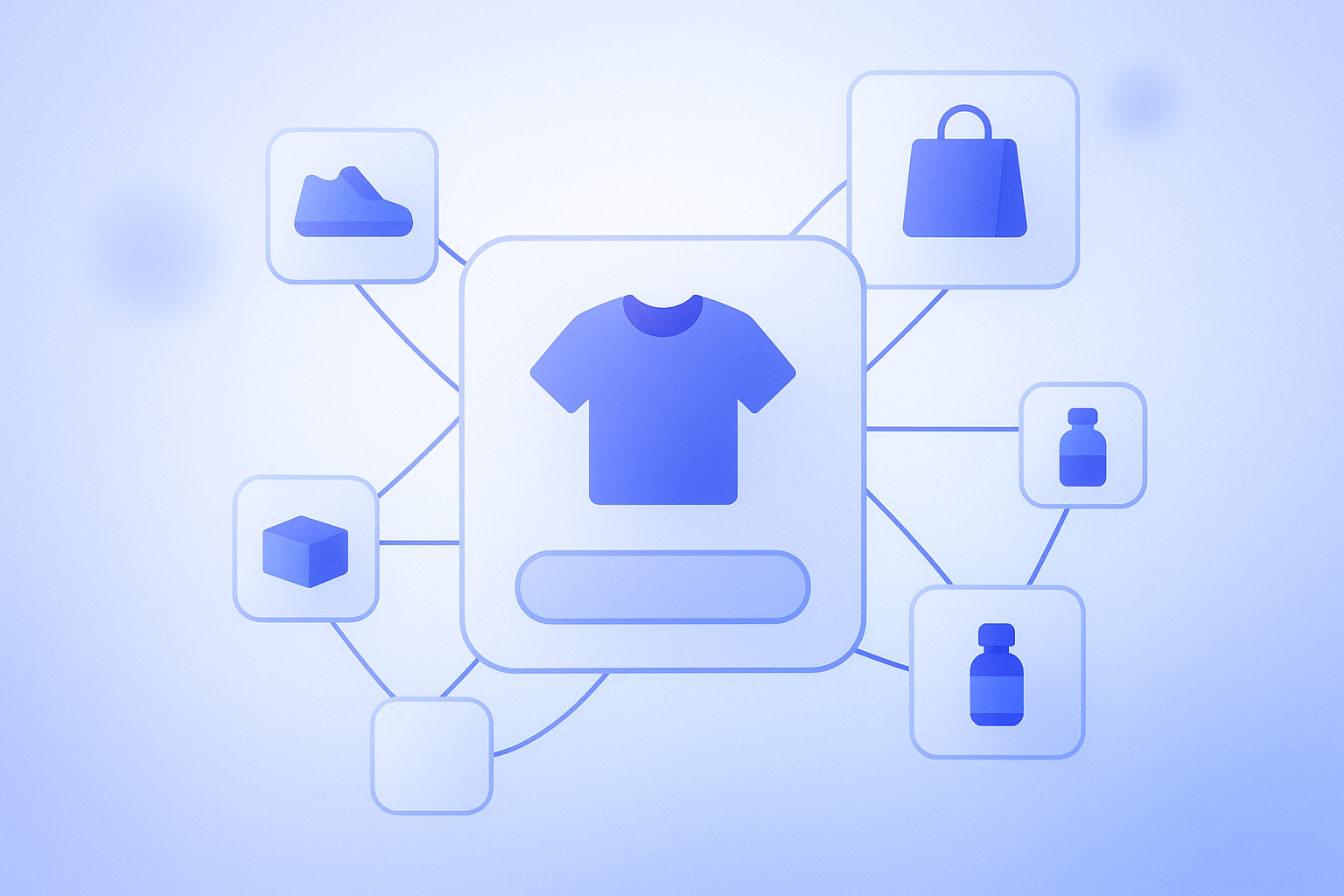
To jump straight to the point: “frequently bought together” collaborative filtering is a very powerful starting point for cross-sell, but performance will not be stable unless you decide “where,” “how many,” and “under what conditions” to show it. The key is to base decisions on purchase data rather than gut feel, and to lock in your operating rules through small A/B tests. On Shopify you can implement this mechanism relatively easily via apps, so it is often better to design your recommendation operations first, before investing in theme-level development.
A quick overview of collaborative filtering and “frequently bought together”
The term collaborative filtering sounds technical, but what it does is simple. It aggregates large volumes of history on “what else did people buy when they bought this product,” then surfaces and displays the combinations that are often purchased together. In technical terms, it finds “similar behavioral patterns” between users or between products, but what matters in day-to-day operations is to treat it as a mechanism that automatically extracts cross-sell candidates based on actual purchase data.
A common way to build recommendations is to manually pick combinations based on “the manager’s intuition,” “cost rate,” or “inventory levels.” Those certainly matter, but if you rely on intuition alone you end up pushing combinations that are not actually bought together, cluttering the page with noisy recommendations. Because collaborative filtering directly reflects past order data, it is easier to operationalize if you first use it simply to visualize “how people really buy” in your store.
There is also a similar feature to “frequently bought together”: “customers who viewed this item also viewed.” This one is based on page views. Both can be powered by collaborative filtering, but if you want cross-sell revenue impact, it is more efficient to first solidify purchase-based “frequently bought together.” View-based logic tends to get noisy unless you have high pageview volume, and smaller stores often see unstable behavior.
Where to show “frequently bought together,” in what order of priority
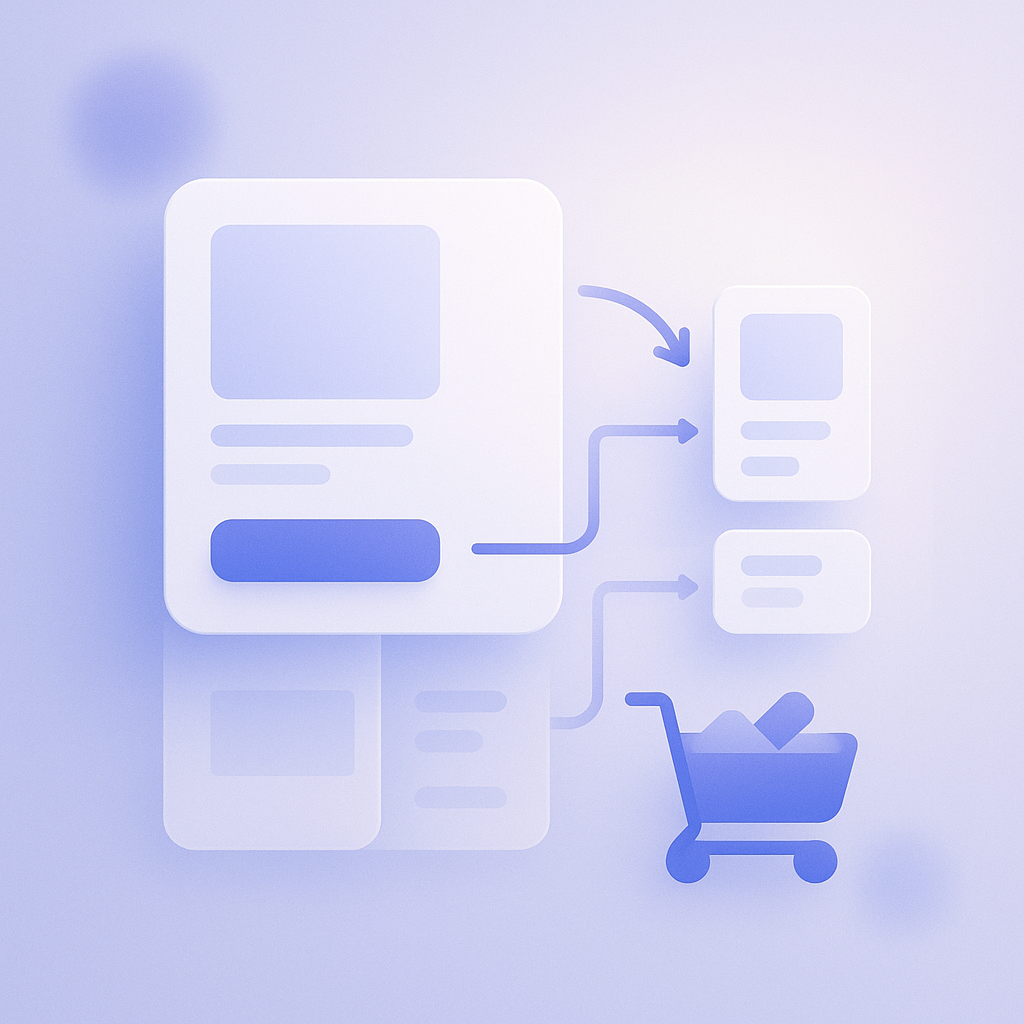
The role of “frequently bought together” recommendations driven by collaborative filtering changes depending on where you place them. If you roll them out to every page at once it becomes hard to evaluate, so start by setting priorities and expand step by step. A good order is: product page → cart page (including drawer cart) → thank you page. The product page in particular has long dwell time and is where your logic has the strongest influence.
On product pages it is easier to manage if you limit “products frequently bought together with this item” to around three to four items. For example, on a product page for a 3,000-yen item, if you show three “frequently bought together” items with an average price of 1,500 yen and you see five to eight additional purchases per 1,000 sessions in a month, that is a very strong cross-sell result. Early on, even just comparing whether a block in the middle of the scroll (below the description) or at the bottom of the page gets more clicks will point you toward the right layout.
On the cart page and in the drawer cart, the role is to suggest “add-ons” to customers who are already in a buying mindset. Here you want to show only one or two “frequently bought together” blocks, ideally containing products that bring the cart total to roughly plus 20–30 percent. For instance, if your average order value is 6,000 yen, consumables or related parts in the 1,000–2,000-yen range that are often bought together make good candidates.
The thank you page is where you show follow-up recommendations to “customers who have already purchased.” It is better suited to designs that aim for repeat purchases later rather than immediate purchases. Ideally, instead of “bought together in the same order,” you would use collaborative filtering here to extract “products that customers tend to buy next time after buying this one.” It is perfectly fine to only add the thank you page once you have accumulated enough data from product and cart pages.
Be careful not to overdo it: how many items and in what order to show them

A common mistake when introducing “frequently bought together” is “showing as many items as possible.” If you line up 10 or 12 recommendations, users cannot realistically process them and just scroll past, and click-through rates often drop below 1 percent. In practice it is better to limit each block to three to four items, six at most, and instead focus on tuning block placement and contents—this tends to deliver better results.
The default sort order is “most frequently bought together,” but that alone can push very low-priced items to the top. For example, a 200-yen part bought together 80 times versus a 1,500-yen related product bought together 40 times: the latter has more revenue impact. In cases like this, if you sort using a weighted score that factors in both “number of times bought together” and “item price” or “profit margin,” the combinations with higher revenue impact will rise to the top.
You also do not want the top spots to be dominated by “discounted items only” or “items with very low stock,” as that feels risky from an operations perspective. To keep things manageable, it helps to define exclusion criteria for recommendations in advance. For example: “do not show items below a certain stock level,” “do not show items above a certain cost ratio,” or “during sale periods, prioritize only specific collections.” If you set rules like these and let collaborative filtering handle the ordering within those bounds, you can keep a better balance.
How to control “do not show this together” (managing NG combinations)
Collaborative filtering is just a mechanism for extracting combinations that were “frequently bought together in the past.” As a result, it will sometimes surface combinations that you would rather not show, based on on-the-ground judgment. Typical examples include “different colors of the same product,” “higher-end and lower-end models,” or “warranty plans and overlapping coverage options.” If you show these without any control, they can confuse customers or even cause distrust.
A practical way to handle this is to maintain a list of “NG combinations” and design your system so those pairs are excluded from recommendation candidates. A simple and realistic operating flow could look like this:
- Once a month, review the “frequently bought together” lists for your key products via a dashboard or CSV export.
- Flag combinations you “do not want to show together” (you can use product tags or notes fields for this).
- On the app or script side, set exclusion rules so those combinations are never displayed together.
One thing to watch out for is not over-excluding items just because they “feel a bit off.” For example, even if you planned to sell products A and B separately, in reality customers may be “bundling” them. In one store, pages were built on the assumption that A and B would be sold separately, but the “frequently bought together” data showed A+B set purchases accounted for over 30 percent of orders. In such a case, creating a new “bundle product” can actually improve both revenue and inventory turns.
How to start using collaborative filtering when you have little data
For new stores or stores that do not yet get many orders per month, there may not be enough “frequently bought together” data for collaborative filtering to work well. When order counts are only in the tens, random purchase patterns tend to be over-represented, making it hard to judge whether products are “truly a good match.”
At this stage, instead of relying on “collaborative filtering 100 percent,” it is more stable to mix something like “70 percent rule-based + 30 percent collaborative filtering.” Concretely, the store side first manually picks one or two “must-show related products” for each item, and leaves the remaining one or two slots to collaborative filtering. This way, while data is still sparse you maintain a minimum quality level based on your intent, and as orders grow the accuracy of automatic recommendations naturally improves.
Also, if you aggressively add more view-based recommendations such as “customers who viewed this item also viewed…” when you still have little data, noise increases—for example, only items repeatedly viewed by the same person keep showing up. Until your monthly session and order volume reach a certain level, it is better to focus on purchase-based collaborative filtering like “frequently bought together,” limit the number of blocks, and observe. This also keeps operating costs lower.
How to put this into practice with RecoBoost
RecoBoost is a Shopify recommendation app that comes with collaborative filtering logic such as “frequently bought together” as standard. You can place blocks in multiple locations—product pages, cart, thank you page—so you can start testing “where” and “how many” to show, as discussed above, without touching your theme code. You can also control excluded products and collections via tags or within the settings UI, which makes it easy for store staff to handle NG combinations they “do not want to show together.” Start by placing a “frequently bought together” block with three to four items only on your key product pages, then refine your rules while watching click-through and additional purchase counts, and you will be able to incorporate collaborative filtering into operations without strain.
“Frequently bought together” via collaborative filtering lets you automate cross-sell based on purchase data rather than intuition. If you decide in advance where to show it, how many items to show, and what to exclude, and gradually increase automation while mixing in rule-based logic when data is sparse, you can run it smoothly even on a Shopify store. What matters is not to “set and forget,” but to review recommendation results at least once a month and use them to maintain your NG combination list and discover potential bundle products.