
Practical tips for integrating Shopify POS and online inventory
To manage in-store and online inventory in one place with Shopify POS, you need solid location design, clear rules for sales and adjustments, and standardized flows for returns, holds, and stocktakes. This article breaks down common pitfalls and concrete rules you can apply today.
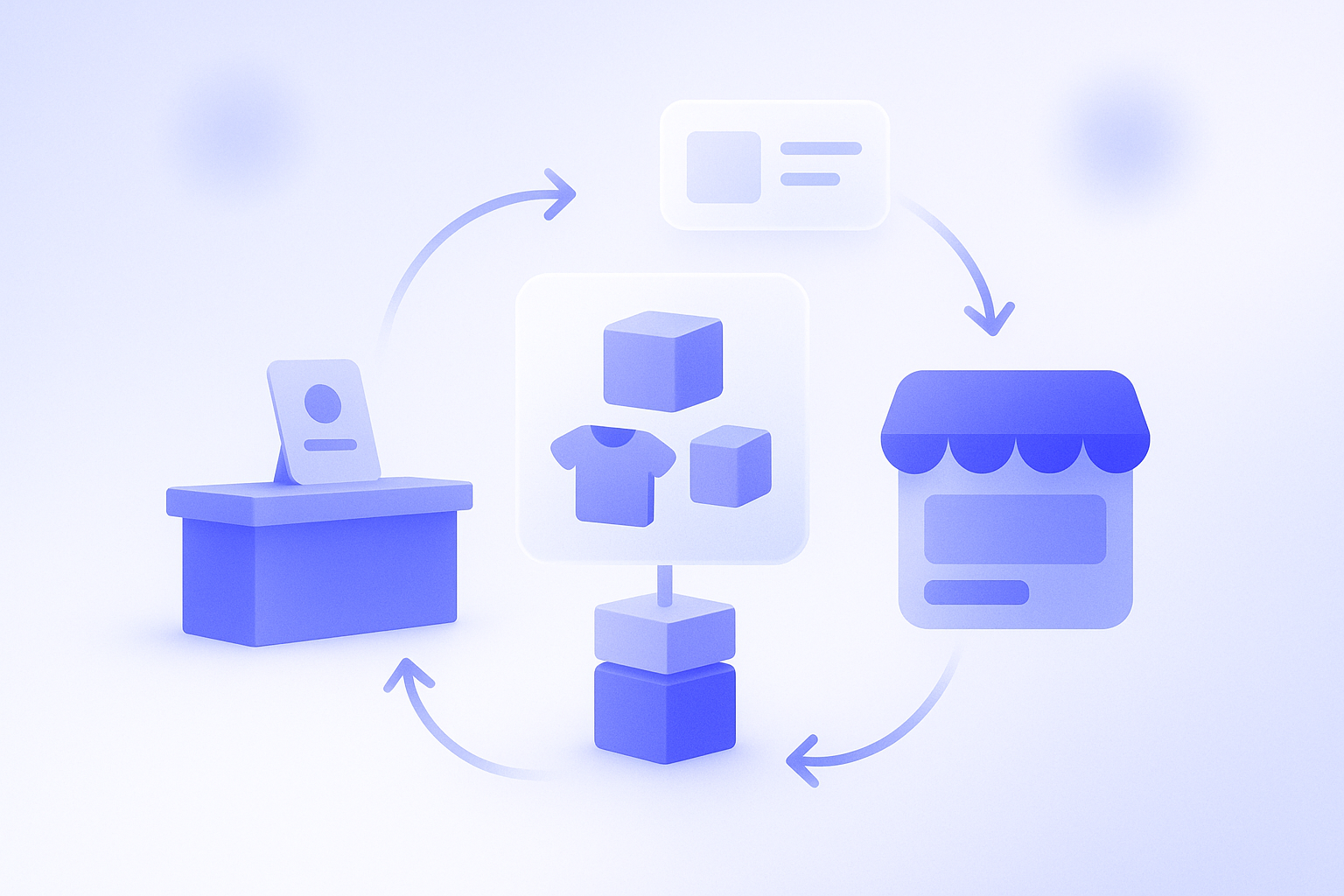
By integrating your store and online inventory with Shopify POS, you can greatly reduce mistakes like stock disappearing from the store because it sold online, or items selling in-store while still showing as available online. But if you do not define the initial settings and daily operating rules, the system itself can easily become a source of confusion. This is especially true for businesses with multiple stores or warehouses, where the initial design is critical. Here we整理 practical tips for running unified inventory between Shopify POS and your online store while keeping operations simple enough for the shop floor to manage. In short, if you focus on three points – designing locations, standardizing rules for sales and inventory adjustments, and standardizing flows for returns, holds, and stocktakes – you will have a solid foundation for omnichannel operations.
First, get the basics right: locations and inventory design
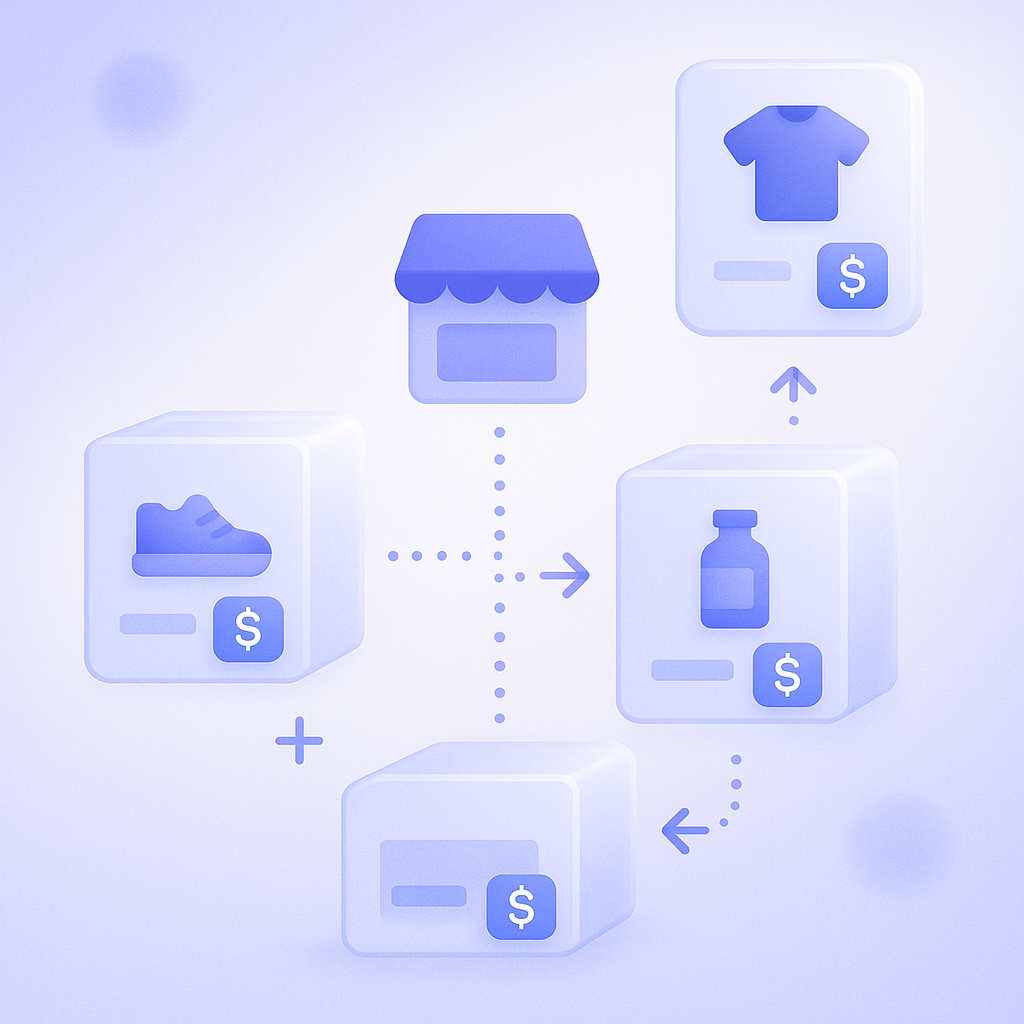
In Shopify, the foundation for integrating store and online inventory is the location. A location represents a place where you store inventory and sell products, and you can register pop-up shops, permanent stores, external warehouses, and more in addition to the online store. The basics are to create a dedicated location for each physical store and configure POS sales so they always reduce stock from that store location. The online store usually pulls stock from the default location, but whether you share that same location with a store or separate it into a store-only location fundamentally changes how your operations will work.
In practice, trouble often arises when you manage both store and online inventory under a single location. In that setup, if there is a sudden bulk purchase in-store or at an event, inventory can drop sharply while the online store keeps selling under the assumption that stock is still available. This risk is particularly high in businesses that receive online orders even on store closing days. In those cases, it is safer to separate store and online inventory by location and decide, SKU by SKU, how much stock to allocate to online.
On the other hand, in smaller stores with limited stock, splitting locations can actually make it harder to see where and how many units you have. In that case, you can deliberately share a single location and control risk with operating rules such as always setting the online available quantity a bit lower than total stock, and updating quantities immediately after goods arrive. Whichever model you choose, it is important to decide numerically before opening which channel takes priority: online or in-store. For example, you might lock in a rule that popular items are always allocated 30% to online and 70% to stores out of total stock. Having clear allocation rules like this helps keep decisions on the shop floor consistent.
Rules to keep POS and online inventory from drifting apart
When you sell through Shopify POS in your physical store, inventory for that location decreases in real time. In theory this alone should prevent discrepancies with online inventory, but in reality human operations introduce gaps: issuing manual discount slips later, ringing the register to adjust cash differences, or staff manually editing inventory counts. To minimize discrepancies, make management easier by setting a simple rule such as allowing only three types of actions that move inventory: POS sales, returns, and internal inventory adjustments.
If you run discounts or campaigns using paper slips or Excel instead of POS, it is very easy for inventory movements to be missed in Shopify. Even when you sell a 10-piece bundle at an event, it is safer to create a dedicated product for that bundle on the POS side and always process sales through POS. That way the system records how many you sold and from which location the stock was reduced, making later reconciliation with online inventory much easier.
If staff can edit inventory counts directly, they will tend to roughly adjust numbers to match the till at cash-up time. Shopify lets you set permissions for each staff member. You can allow them to use the POS app while limiting inventory adjustments and location settings to store managers. This prevents large discrepancies caused by mistaken operations. In fact, some stores have halved their inventory differences at monthly stocktake simply by reviewing permissions.
Design returns, exchanges, and holds with omnichannel in mind
When integrating online and store inventory, retailers often overlook exceptional movements such as returns, exchanges, and holds. For example, if a customer returns an online purchase at a store but staff do not process the return correctly in POS, only the store location’s stock will increase and the online inventory and sales data will no longer match. Rather than having staff decide each time which location to return stock to, it is better to set rules, such as always returning items from online purchases to the online-dedicated location.
Holds also require attention in an omnichannel setup. If you receive a hold request by phone or via social media and simply put the item aside at the register without reducing stock in Shopify, that product might still be sold online. In practice, you can either process a payment through POS at the time of the hold using the normal sales flow and record it under an internal rule like payment method: pay later, or create a draft order in Shopify to reserve the stock. In either case, it is crucial to define in advance how many days you will hold items and to which location you will return them when the hold expires.
Exchange handling is another common source of confusion. When size exchanges or similar cases cross between store and online, if you do not clarify where to cancel the original order and where to record the new sale, both sales and inventory will stop reconciling. Concretely, a simple approach is to always process returns and exchanges for online orders on the online side first, and then record the store sale as a new order via POS. It also helps to document the exact screen flow and fields to fill in for returns and exchanges in the staff manual, with screenshots, so processes do not become dependent on specific people.
Use stocktakes and daily checks to catch inventory gaps early

Even if you connect Shopify POS and online inventory, physical stock will never stay perfectly aligned with system counts. Loss, damage, and barcode mix-ups will inevitably create discrepancies. The key is to build a mechanism that lets you detect and correct differences while they are still small. At a minimum, set a rule to run a stocktake at least once a month, comparing Shopify counts with physical counts and recording the difference as an inventory adjustment. When you adjust, leave a reason code in the notes field, such as damaged, lost, or used as sample, so you can analyze patterns later.
If you only stocktake once a month, you may notice discrepancies on popular items too late and lose sales opportunities. In reality, it works best to combine monthly stocktakes with simple daily or weekly checks that your team can manage without overload. For example, count just the top 20 best-selling SKUs each week, or quickly check stock counts the next morning for the 10 products with the highest POS sales yesterday. Even five to ten minutes of work per day is enough to detect discrepancies early.
Inventory adjustment history is valuable data for root-cause analysis. If you see that losses cluster in a specific location or that mis-scans occur during certain time slots, you can take concrete actions such as changing the layout or revising staff assignments. For SKUs with large discrepancies, consider lowering the online available quantity and enforcing a scan-required rule at POS as item-level countermeasures.
Staff training and manuals built for omnichannel operations
Inventory integration is not solved by systems alone; ultimately it depends on whether all staff can operate under the same rules. In organizations where online and stores have separate teams, each side tends to prioritize its own sales, which can lead to conflict over stock allocation and holds. If you start by sharing the principle that stores and online are both customer touchpoints and inventory is a shared asset across all channels, your rules will be easier to embed.
When creating manuals, focus on screen-based instructions. For example, for common scenarios such as changing an online order to in-store pickup or processing a return in-store for an online purchase, show the steps with POS and admin screenshots side by side. A text-only rulebook will not be read, and decisions will end up concentrated with veteran staff. It is more effective to create formats that work on the shop floor, such as a one-page cheat sheet kept by the register so even new staff can confirm just the operations they need in five to ten minutes.
Inventory operation rules are not set-and-forget. Whenever your sales pattern changes, such as during sales or new store openings, review inventory discrepancies and complaints and update rules as needed. For example, you might suspend holds during big sales or temporarily consolidate locations for sale items to simplify operations. To avoid confusion, always share rule changes with all staff and pair that communication with hands-on confirmation of the corresponding operations in the POS app.
How to make the most of RecoBoost
If you use RecoBoost, you can run a common recommendation logic for both store and online while still tailoring suggestions based on inventory at each location. For example, when online stock for an item is low but stores have plenty, you can increase recommendations that promote in-store pickup for that product. Conversely, you can deliberately exclude low-stock SKUs from recommendations so staff do not keep pushing out-of-stock items by mistake. By analyzing POS sales data together with online browsing data, you can also roll out omnichannel tactics such as reflecting frequently bought-together combinations from the store in online recommendations.
When integrating Shopify POS with online inventory, the three things that matter most are location design, limiting the types of actions that move stock, and standardizing rules for exceptions. Rather than aiming for perfection, start with simple rules that match your store size and staffing, then gradually improve accuracy through stocktakes and daily checks. This approach lets you build a solid foundation for omnichannel operations without overloading your team.