
How to Choose Shopify Upsell Apps: Features, Logic, and Checklist
Shopify upsell apps only work when you design where, what, and how to show offers. This article breaks down must‑have features by cart, product page, and post‑purchase, and provides a practical implementation checklist you can use as‑is.
Upselling on Shopify is not a magic tool that boosts revenue just by installing an app. If you add an app without deciding where to show offers, what to recommend, and how to present them, you can end up with more orders but lower profit, or heavier pages and more drop‑offs. In fact, there are cases where the average order value increased by 15% after introducing upsells, but the margin fell by more than 5 points because discounts were pushed too aggressively. Rather than “just install a popular app for now,” you need to start from a design that fits your store’s customer journey.
This article organizes what you should clarify before choosing a Shopify upsell app, the main axes for comparing commonly used features, and a checklist to confirm before rollout. At the end, it briefly touches on how an AI recommendation app like RecoBoost can be incorporated into your upsell design.
Bottom line: choose upsell apps by placement, logic, and operational load
The three axes you should not overlook when choosing an upsell app are “placement,” “recommendation logic,” and “operational load.” If you decide based on only one of these, you often end up with, for example, an app that is rich in features but too complex to configure, and therefore never really used.
Start by deciding on which screens you want to show upsells, such as product pages, cart, or post‑purchase. Then define the criteria for what you want to show: “items frequently bought together,” “products we want to clear inventory,” and so on. On top of that, think about how often you can realistically refresh product sets and whether your team can maintain them in‑house. Comparing apps with these points in mind will give you clear selection criteria.
In the next section, we will look at each of these three axes in more detail.
Where to show upsells: three primary placement options
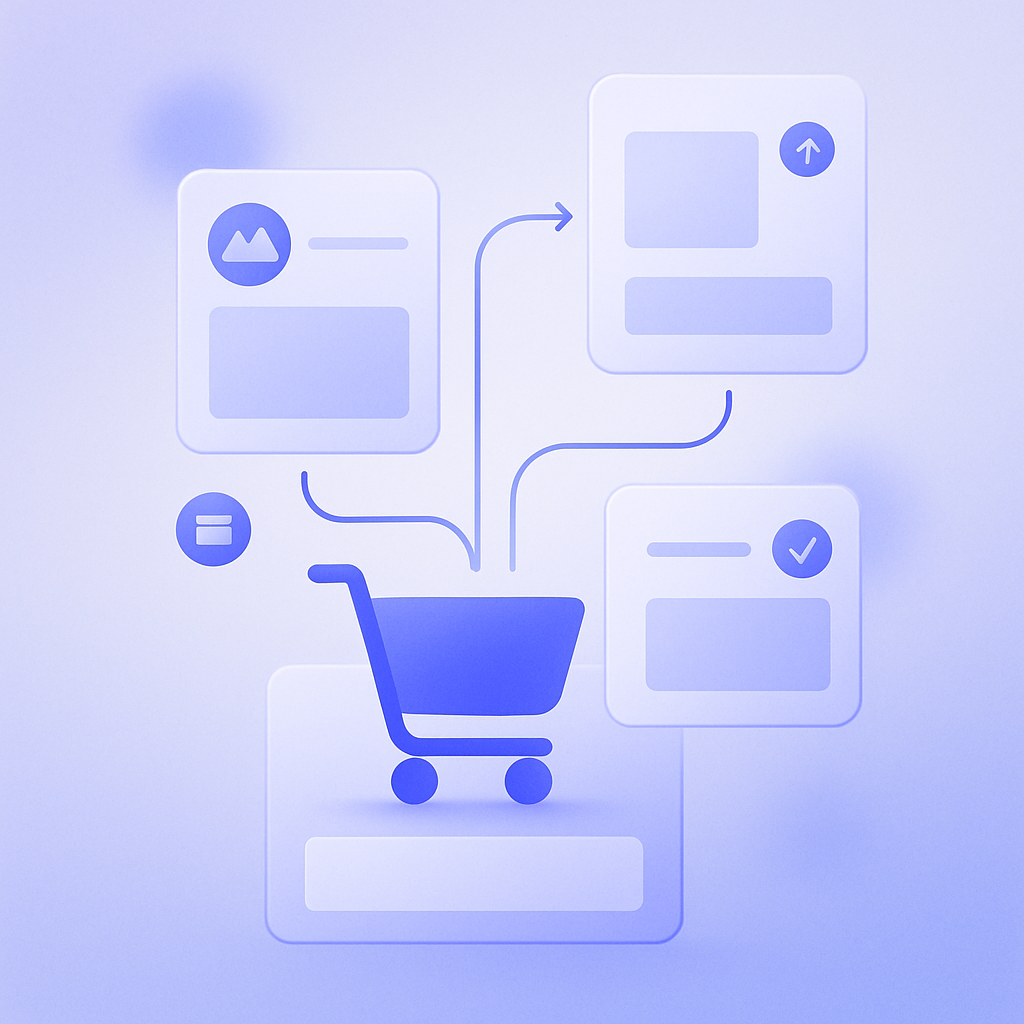
Places where Shopify upsell apps can display products fall broadly into three groups: product pages, cart (drawer or cart page), and post‑purchase through thank‑you pages. The effect you can expect and the UX you need will differ depending on where you place offers.
- Product page: consideration stage. Ideal for recommending related products or upselling to higher‑end models.
- Cart: high purchase intent stage. Well suited to cross‑selling accessories, add‑ons, and bundles.
- Post‑purchase to thank‑you page: after checkout. Best for encouraging additional purchases or offering coupons for the next order.
For example, in apparel you might show “bottoms frequently bought with this top” on the product page, and in the cart show a block like “Spend 2,000 yen more for free shipping. Recommended items:” Post‑purchase, you can suggest different sizes or colors to help reduce return and exchange inquiries.
One thing to watch is the combination of “available placements” and “theme compatibility.” Some apps let you add blocks from the theme editor, while others require script embeds. Before installation, check compatibility with your current theme and whether the app supports the Shopify Online Store 2.0 section structure to avoid rework at implementation.
What to sell: types of upsell logic and how to use them
The heart of an upsell app is the logic that decides which products to recommend. Depending on the app, this can range from simple “manual selection” to automatic learning from “browsing history” and “items frequently bought together.” There is a big difference in capability.
- Manual setup: link fixed recommended items to specific products. Suited to campaigns and inventory clearance.
- Rule‑based: define conditions such as collection, price range, and so on to show products automatically. Lets you balance automation with control.
- AI and data‑driven: automatically selects optimal products based on browsing history, cart content, and purchase history. Good when you want to improve accuracy over time without extra effort.
For example, during a new product campaign you may want intentional setups such as “when this item is added to cart, show New Product A at 10% off.” On the other hand, for always‑on related recommendations, using AI or rule‑based automation allows you to drive sales while keeping operational workload in check.
A common pitfall is going to either extreme: “leave everything to AI” or “try to manage everything manually.” For highly seasonal products, relying purely on AI can mean that items you want to run down in stock rarely appear. Conversely, trying to manually maintain several hundred SKUs often leads to updates stopping within a month, leaving stale content being displayed in the data. Decide in advance, based on your SKU count and desired update frequency, how far you want to automate; this will make app selection smoother.
How much you can delegate: operational load and team structure checks
What matters with an upsell app is not the moment you install it, but whether it is still properly running three months later. Even if you enthusiastically build scenarios at the start, when the person in charge is juggling multiple roles, they often lack time for fine‑tuning and the setup gradually gets neglected.
When evaluating apps, it helps to check the following operational points in advance.
- Admin usability: is product selection and rule setup intuitive?
- Automated testing and preview: can you check appearance and behavior before pushing changes live?
- A/B testing: can you test multiple patterns and iterate based on results?
- Reporting granularity: can you see metrics such as impressions, click‑through rate, and add‑on purchase rate that are useful for optimization?
- Support: is support and documentation available in your required language, for example Japanese?
A/B testing and reporting are especially useful for understanding not just that “sales went up or down somehow,” but “which block contributed how much.” Without visibility into the numbers, the effects of site redesigns and campaigns get mixed up with the impact of upsell initiatives, making it hard to optimize correctly.
Pricing and performance: how not to decide based on price alone
Upsell apps use a variety of pricing models: flat monthly fees, revenue‑share, or tiered free‑to‑paid plans. If you choose a cheaper plan based only on cost, you may run into limits on impressions or features, making it hard to test sufficiently and realize the app’s potential.
When comparing options, it becomes easier to judge if you look at the following two points together.
- Revenue and profit impact per unit cost: track not just revenue via the app, but also margin changes caused by discounts.
- Performance impact: in a test environment, check page load speed and conflicts with other apps.
In one store, adding an upsell app slowed the cart page by more than one second, which in turn worsened overall cart abandonment. Because upsell directly affects revenue, you should verify not just features but also performance.
If possible, start with a limited rollout as part of an A/B test for the first 30 days, comparing “with app” and “without app” on both average order value (AOV) and profit margin. Confirming with numbers before full rollout allows you to make a long‑term, defensible investment decision.
Pre‑implementation checklist for Shopify upsell apps

Before you finalize your comparison, organizing your own conditions on the store side will make it much easier to narrow down candidates. Use the checklist below to write out your requirements.
- Placement: which locations you will prioritize, such as product page, cart, drawer cart, post‑purchase, thank‑you page, or collection page.
- Target metrics: by what percentage you want to raise average order value (AOV), and what share of total sales you aim to generate via upsell.
- Logic: whether you mainly want manual, rule‑based, or AI logic (or a combination).
- Target products: whether to cover all products, only specific categories, overstock items, and so on.
- Discounts: whether you will offer discounted upsells; if so, what caps and rules you will apply.
- Owner: who will review and adjust setups, and how often (weekly, monthly, etc.).
- Technical requirements: compatibility with your current theme, coexistence with other apps, and your policy for script management.
Based on this checklist, note for each candidate app whether it supports each requirement or needs additional development. This will surface the apps that truly fit your store. If you also rank your requirements by priority, you will know where you can compromise and what you cannot give up, even if no app checks 100% of the boxes.
How to use RecoBoost: hybrid of AI recommendations and manual design
When you use an AI recommendation app like RecoBoost, operations become more stable if you combine “always‑on automatic recommendations” with “manually designed campaigns.” Concretely, you can keep AI‑driven suggestions such as related items and frequently bought together products always visible on product and cart pages, and only override them with manual upsell rules for specific products when you want to push new releases or move inventory. This way you can keep day‑to‑day workload low while capturing sales opportunities, and layer in human intent only when needed. When you assess RecoBoost, it also helps to follow this article’s checklist and clarify for your store which screens you will use, which logic you prefer, and how much you want to automate.
You cannot choose an upsell app just by comparing feature tables. By deciding in advance where to show offers, what to recommend, how to present them, and what level of automation fits your team, you can build a setup that still delivers results three or six months after launch. Use this checklist as a starting point to find the best Shopify upsell app for your store.