
How to Choose a Cart Recommendation App: Placement, Logic, Measurement
A comparison guide to Shopify cart recommendation (cart upsell) apps, focusing on three axes that merchants often struggle with: placement, recommendation logic, and measurement/AB testing, and when to choose each type.
Conclusion: First choose by placement and how easily you can measure results
Cart recommendation (cart upsell) apps broadly fall into two categories:
- Apps that are fixed in the cart page or cart drawer
- Apps that appear temporarily as a mini-cart or popup
It is not about which is objectively better. You want the one that fits your store’s purchase flow and your measurement setup.
Use the following rules of thumb when you are unsure.
- Start with a fixed cart page or cart drawer placement: when you are just starting with cart recommendations, your tracking setup is still basic, or you want to prioritize compatibility with your theme.
- Consider mini-cart or popup types: when your average order value is high and customers spend longer per session, and when your tracking is already solid enough to AB test the impact of popups.
- Choose based on AI logic: when you have many SKUs and it is hard to manually manage recommended products, or you want cross-sell candidates to be generated automatically.
- Choose based on manual logic: when you have one-off items or a small D2C catalog, know exactly which combinations you want to show, and want tight control over the brand experience.
Below, we will organize the trade-offs across three common viewpoints:
- Comparison by placement type
- Comparison by recommendation logic (AI / manual / simple automatic)
- Comparison by how easy it is to measure and run AB tests
and clarify when to choose which pattern.
Comparing placements: fixed cart vs mini-cart or popup
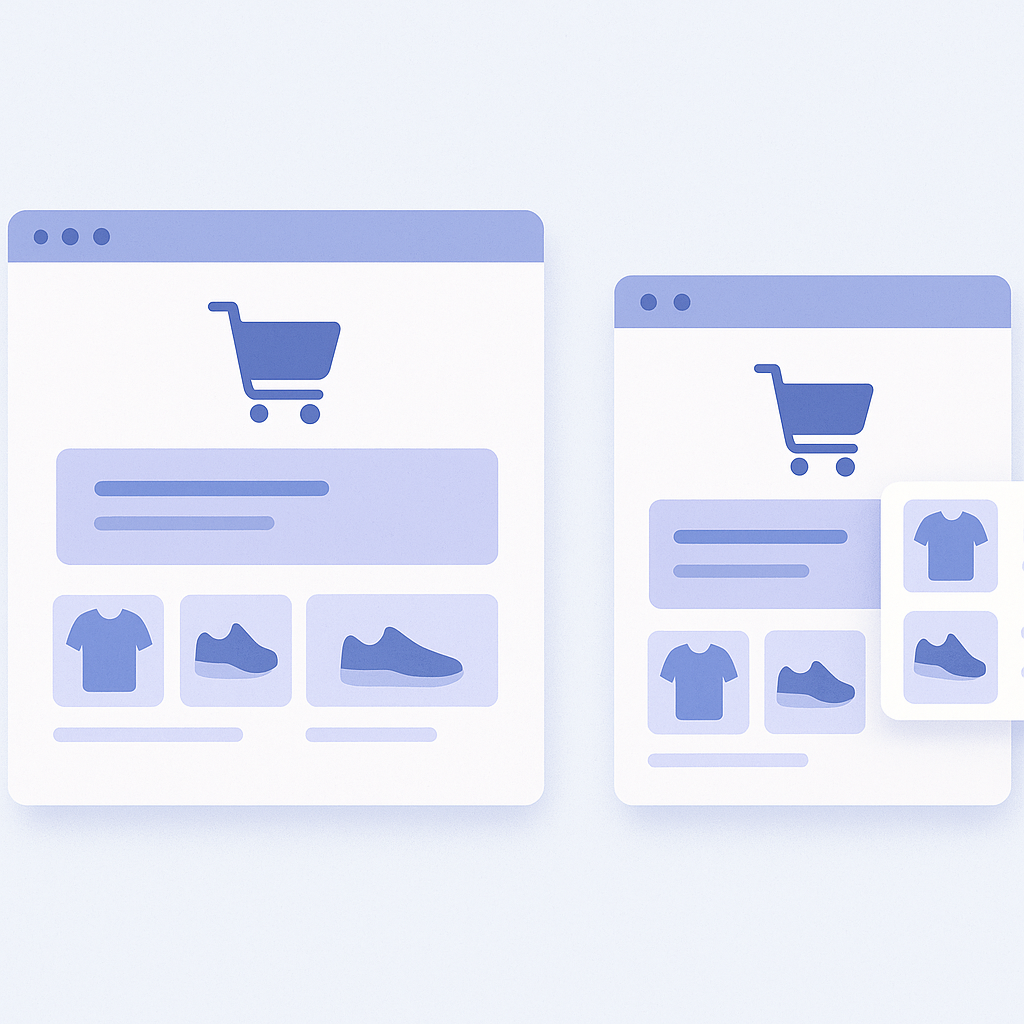
Here we break apps into two types by where they appear:
- Fixed cart type: always shown at the bottom or side of the cart page or cart drawer
- Mini-cart or popup type: shown temporarily right after adding to cart, or under certain conditions
- Fixed cart type
- Feels natural because the user’s attention is already around the cart area
- Easy to blend into the cart layout by integrating with the theme
- Click-through and add-to-cart rates are relatively simple to track
- Less effective if your store has no cart page or it is barely used - Mini-cart or popup type
- Very impactful because it appears immediately after a product is added
- Pairs well with promotions like limited-time discounts
- Poorly designed timing or frequency can easily cause drop-offs or annoyance
- If it clashes with the theme or other apps, you can end up with broken layouts or overlapping popups - Fixed cart type
- Implementation difficulty: mainly adding a block to the cart template, generally medium to rather easy
- Design adjustments: can reuse existing theme styles, so CSS adjustments tend to be minimal
- Ongoing ops: once installed, you often do not need to tweak display conditions frequently - Mini-cart or popup type
- Implementation difficulty: needs coordination with the mini-cart or Ajax cart and may be harder depending on the theme
- Design adjustments: often uses screen-covering or highly prominent UI, which can be harder to align with your brand tone
- Ongoing ops: usually assumes continuous AB testing to optimize timing (after which add, after how many seconds) and frequency - When to prioritize a fixed cart type
- You are using Shopify’s standard cart page in a straightforward way
- You want to start with a natural cross-sell and avoid drastically changing the user experience
- Your measurement and AB testing resources are limited, but you still want at least basic effectiveness checks - When to consider mini-cart or popup types
- A drawer cart or mini-cart is the main purchase path in your store
- You want stronger short-term upsell pushes during sales or new product launches
- Your marketing team is comfortable running AB tests and wants to push the limits while checking what is acceptable
Comparing logic types: AI, manual, and simple automatic
What to recommend in the cart can roughly be split into three logic types:
- AI logic: surfaces similar products or frequently bought together items from browsing and purchase data
- Manual logic: define product pairs and sets in the admin
- Simple automatic logic: rule-based, such as bestsellers, same category, or same collection
- AI logic
- Characteristics: automatically proposes highly related products based on user behavior and past sales data
- Best for: large catalogs such as general ecommerce, apparel, variety goods, cosmetics
- Pros: you do not need to think through all combinations; it can keep up automatically with assortment and stock changes
- Watch-outs: if you do not have enough data, it may take time before performance stabilizes - Manual logic
- Characteristics: explicitly set which products you want bought together for each item
- Best for: low-SKU D2C brands and products where you want to tie set proposals tightly to your brand story, such as skincare routines
- Pros: full control over recommendations without breaking the world you want to present
- Watch-outs: maintenance burden spikes as SKUs grow; high risk of stale settings for sold-out or discontinued items - Simple automatic logic
- Characteristics: rule-based on same category, same collection, bestsellers, and similar
- Best for: mid-sized stores that do not need full-blown AI but want to avoid manual management
- Pros: behavior is easy to understand and operations are light
- Watch-outs: relevance tends to be weaker, making it more of an “extra add-on” than a strong cross-sell - Apps centered on AI logic
- Setup mainly consists of choosing logic types and placement, with little per-product configuration
- They assume accuracy improves as data accumulates, so the earlier you install and let them learn, the better - Apps centered on manual logic
- You need to bulk-register sets for key products when you start, so initial workload is heavy
- Requires review at every sale and season change, and must be treated as an ongoing task for your merchandising owner - Apps centered on simple automatic logic
- Setup is often done in one or two configuration screens, so they are easy to try
- You cannot finely control what gets recommended, which may feel limiting once you want to get more aggressive - Start with a hybrid of AI and simple automatic
- A realistic setup is to use AI logic by default, while using simple automatic logic to cover new products or thin-data categories - Use some manual logic if brand control is paramount
- Instead of setting everything manually, restrict manual sets to the core lines you absolutely want to show together
Comparing measurement and AB testing: how far each app can track
Cart upsell apps are an area where it is easy to feel like sales went up just because you installed one. To actually understand impact, at minimum make sure the app can track the following three things.
- Impressions: how many times recommendations were displayed
- Clicks and click-through rate: how often recommended products were clicked
- Adds and add rate: how many items were added to cart via recommendations, and what percentage that is
- Revenue via recommendations: whether you can see if recommended items that were added went on to be purchased
- Per-logic comparisons: whether you can compare performance per logic, such as AI similar items versus bestsellers
- AB testing: whether you can compare the presence or absence of recommendations, display patterns, or logic variants by period or traffic split
- First prioritize having a simple in-app report
- Before connecting to Google Analytics or external BI, it is important that you can intuitively see inside the app whether revenue has increased - If you are new to AB testing, start with simple on/off comparisons
- It is easier operationally if the app lets you start from simple comparisons, such as turning cart recommendations off for a period and checking changes in average order value - If your tracking stack is already mature, prioritize event integrations
- Also check whether click and add events can be sent to Shopify events or Google Analytics
Where RecoBoost fits: fixed cart placement, AI logic, and simple measurement
From the perspective used in this article, RecoBoost occupies the following position among apps.
- RecoBoost is designed around fixed placement in the cart page and cart drawer, integrating naturally via theme app extensions. It is a good fit for stores that first want to start cart recommendations without disrupting the experience.
- RecoBoost combines AI logics such as AI similar items and frequently bought together with simple automatic logic. This structure lets large-catalog stores keep manual maintenance to a minimum while still getting solid recommendations.
- Within the app you can see impressions, clicks, cart adds, and revenue contribution in one place, making it easy to grasp daily how much your cart recommendations are working. It is well suited to stores that want to first try AI logic in a fixed cart placement and, once they see results, expand into other upsell tactics.