
When to Use Shopify Related Products vs Recommendation Apps
Shopify’s built‑in Related Products works well for smaller stores that want a simple, low‑cost upsell. If you need tighter control, A/B tests, and detailed tracking to really lift CVR and AOV, a recommendation app is a better fit. This guide compares which to use when.

Conclusion: Start with the native feature, move to an app as you grow
Shopify’s built-in Related Products is surprisingly solid as a standard theme feature. But if you want A/B testing, fine-grained control over recommendation logic, and detailed tracking, you will need an app-based recommendation tool.
You can roughly split the use cases like this.
- Your monthly sales are still modest and you just want to show simple Shopify Related Products → in many cases the native Shopify feature is more than enough
- Your pageviews, product count, and number of initiatives are growing, and you want to tune recommendation apps in detail to lift CVR and average order value → consider an app-based recommendation solution
- You lack development resources and want to minimize the risk of layout breaking → prioritize the theme’s native feature first (Shopify Related Products)
- You want to see exactly how much revenue each recommendation slot generates → consider an app with strong reporting features
Comparison 1: Features – simple native tools vs highly extensible apps
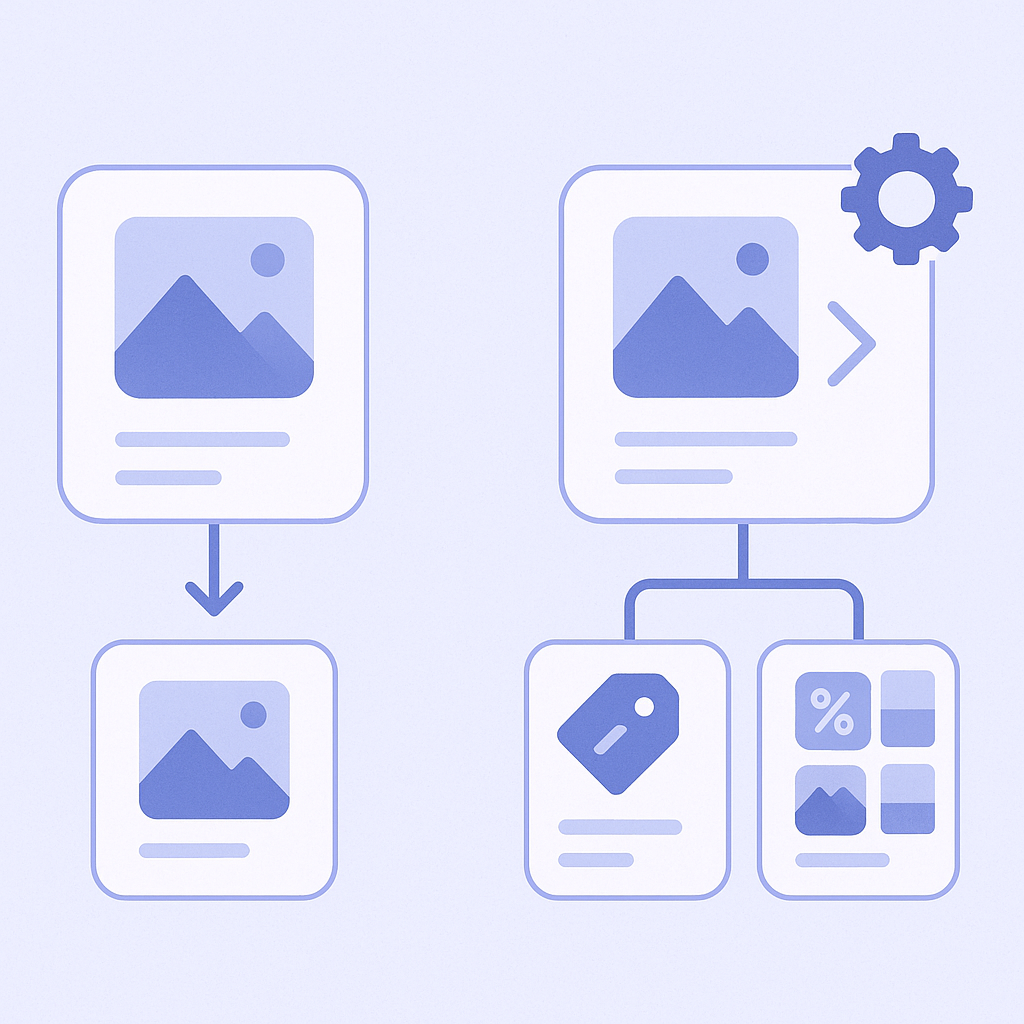
Here we compare Shopify’s native Related Products and app-based recommendations from some typical angles.
- Display positions and types
- Shopify native Related Products: in most themes it appears as a product page section that you can turn on or off and rename from the theme editor. The display logic depends on the theme or Shopify’s automatic suggestions, and the patterns are relatively simple
- App-based recommendations: many apps let you place widgets in multiple locations such as product pages, cart, home, collections, and account pages. In many cases you can also choose widget types like Frequently Bought Together, Recently Viewed, or Bestsellers - Recommendation logic
- Shopify native Related Products: details differ by theme, but the core is a small set of predefined, simple rules like Same collection products, Items with similar tags or product type, or Shopify’s automatic suggestions
- App-based recommendations: many apps let you combine multiple logics such as AI recommendations, browsing-history-based, cart-contents-based, and manual picks. It is also easier to switch logic by season or campaign - Design and layout
- Shopify native Related Products: follows the theme’s design, so it usually fits in visually without extra work. On the flip side, layout flexibility depends on the theme, and you may need to edit code for fine adjustments
- App-based recommendations: many apps let you adjust things like number of cards, image aspect ratio, and labels in the app admin. You must always check compatibility with the theme and the impact on load speed - Campaign integration
- Shopify native Related Products: generally weak at dynamically changing content per sale or campaign. You control it only indirectly via collection and tag design
- App-based recommendations: many apps let you set detailed conditions, such as prioritizing sale items only or highlighting new products
Comparison 2: Implementation cost – free native feature vs monthly fees and tuning effort for apps
Implementation cost becomes easier to reason about if you look at both money and time (operational effort).
- Monetary cost
- Shopify native Related Products: usually included in the theme price, with no extra monthly fee
- App-based recommendations: some apps have free plans, but most are subscription-based. Plans typically scale with pageviews, impression volume, or feature usage - Setup time
- Shopify native Related Products: in many cases you just go to Online Store → Themes → Customize and enable the Related Products section on the product page to make it appear
- App-based recommendations: after installing the app, you need to go through more initial steps such as choosing widget placements, selecting logics, and adjusting design. You also have to verify how it renders in the theme - Operational load
- Shopify native Related Products: basically set and forget. However, when product count or collection structure changes, unintended items may appear, so you should review it occasionally
- App-based recommendations: if you change logic for each campaign and improve based on A/B test results, operational work inevitably increases, but in return you gain a lot more room for optimization
Comparison 3: Measurement and optimization – native is fine for rough tracking, apps for hard numbers
How deeply you want to track which related products contribute to sales will affect your choice.
- Granularity of measurement
- Shopify native Related Products: in Shopify admin Analytics you can track conversions and sales at the product page level, but it is hard to pinpoint revenue generated specifically from the related products block
- App-based recommendations: many apps track recommendation-attributed revenue, click-through rate, and impressions. Some let you compare performance by widget and by logic - A/B testing and experimentation
- Shopify native Related Products: it basically has no built-in A/B testing. You would need workarounds such as duplicating the theme and only adding the related section to one version
- App-based recommendations: because you can easily toggle widgets on and off and switch logics, it is easier to run manual experiments. Some apps also provide native A/B testing features - Improvement cycle
- Shopify native Related Products: improvements mainly take the form of revisiting collection and tag design or optimizing the product page itself, and it is difficult to fine-tune the related products block based on numbers alone
- App-based recommendations: you can treat each recommendation block as a unit of optimization – turning off underperforming logics, changing placement, or switching to another logic – which makes it easier to run PDCA cycles
Comparison 4: Fit – choose based on store size and product structure
Finally, here is how to think about which option fits which type of store.
- Stores that are a good fit for Shopify’s native Related Products
- Product count is still limited and collection structure is simple
- Monthly sales are small to mid-sized, and you want to try related products without extra cost first
- You want to keep the theme’s look and feel intact and add a minimum viable recommendation quickly
- Your team is small and cannot spend much time on daily operations - Stores that are a good fit for app-based recommendations
- You have many products and variants, and you want to deliver suggestions beyond what manual setup can cover
- You want recommendations to seriously lift metrics like add-to-cart rate and average order value
- You run many campaigns and sales, and the products you want to push change frequently
- You want to manage, in numbers, how much revenue each recommendation slot generates - Using both together
- Use Shopify’s native Related Products as the baseline, and only add app-based recommendations in high-impact areas like cart or the home page
- Keep the native feature as a safety net for theme updates, while using the app as your main recommendation engine
Where RecoBoost fits: an option when you are ready to go beyond the native feature
RecoBoost is an app that lets you use AI recommendations while tracking what the native Shopify related products cannot fully cover – namely, how much revenue each recommendation slot contributes.
- You place widgets to match your Shopify theme and can serve different AI recommendations in multiple locations such as product pages and cart.
- For each widget, RecoBoost reports impressions, click-through rate, and revenue, giving you visibility into which recommendations are actually working.
- You can also combine both approaches: use the native related products to build basic pathways, and strengthen only the high-impact areas with RecoBoost.
If you are already using Shopify Related Products and have started to feel you want a recommendation app to optimize based on solid numbers, that is a good moment to consider RecoBoost.