
View-based vs purchase-based recommendations: what to test first
Whether you should start with collaborative_view or collaborative_purchase depends on your store size. This guide organizes clear thresholds by traffic and order volume, and shows how to prioritize and place each logic in a real Shopify store.
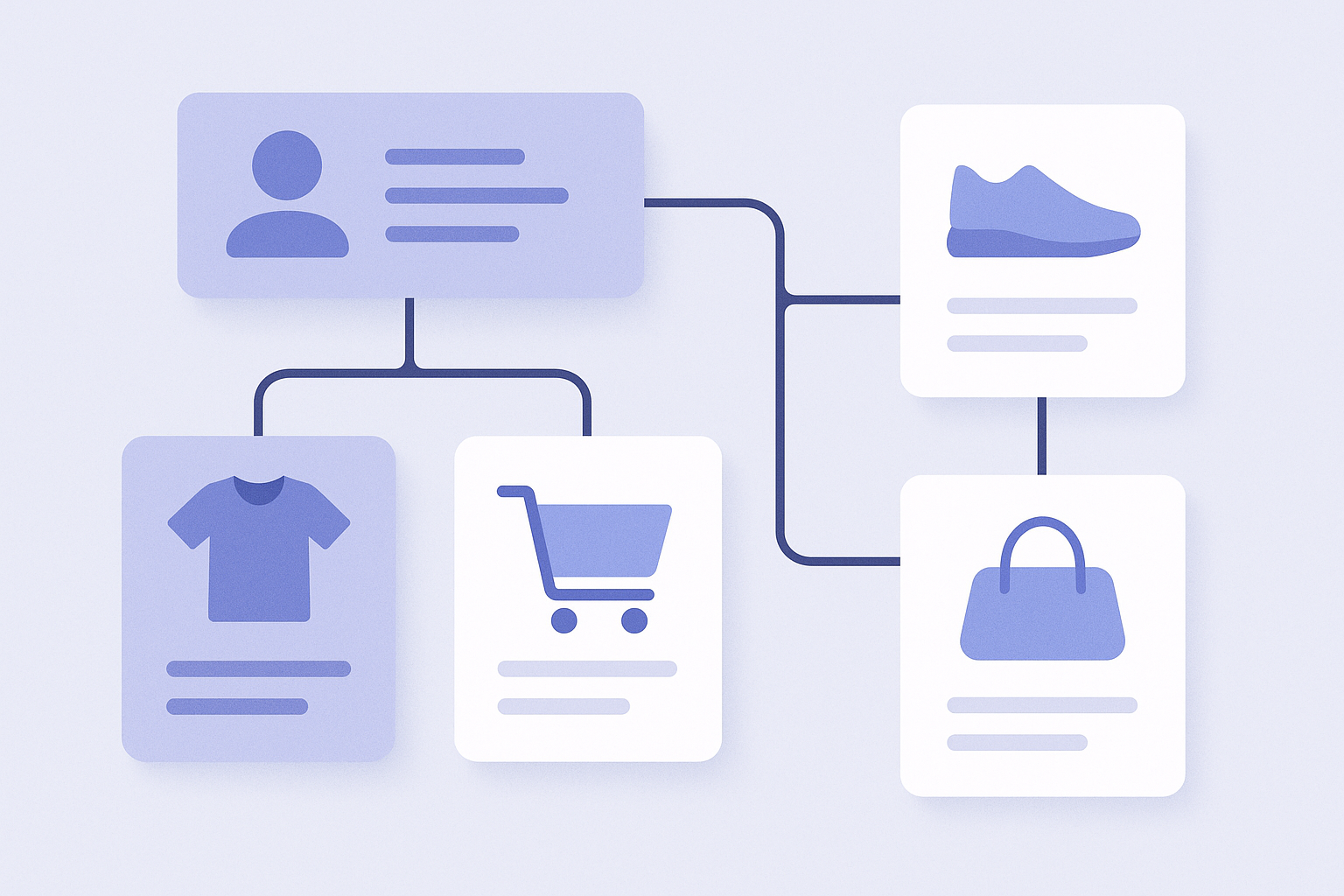
Conclusion: prioritize based on data volume (quick guide)
- If your daily sessions are still low (roughly under a few hundred per day), prioritize collaborative_view first.
- If you have plenty of views but purchases are still few or skewed, you should also start with view-based recommendations.
- If your store has a stable number of daily orders (for example, several dozen or more per day), prioritize collaborative_purchase on high-impact flows.
- In the end, a good rule of thumb is view-based logic where you want more browsing, and purchase-based logic where you want cart and pre-checkout upsells.
Below we will walk through in order:
- The difference between collaborative_view and collaborative_purchase
- How to prioritize them by traffic and order volume
- How to use each by page type
What is view-based collaborative filtering (collaborative_view)?
Collaborative_view is collaborative filtering that recommends products based only on view logs, in the form of “People who viewed this product also viewed these products.”
- Underlying data: product page view history
- Typical display labels: “Customers viewing this item also looked at”, “Other items being checked right now”, and similar wording.
- Strength: as long as there is traffic, the model keeps learning, so it works even when you have few purchases.
- Weakness: casual browsing noise easily blends in, so recommendations can drift away from actual purchase intent.
Because view logs are usually far more plentiful than purchase data, collaborative_view has the advantage of learning stably even for stores in the launch or early growth phase.
What is purchase-based collaborative filtering (collaborative_purchase)?
Collaborative_purchase is collaborative filtering that recommends products based on order data, in the form of “People who bought this product also bought these products.”
- Underlying data: order history (sets of products within the same order)
- Typical display labels: “Frequently bought together”, “Often purchased together”, and similar wording.
- Strength: because it is based on combinations that actually sold, it is highly accurate for upsell and cross-sell.
- Weakness: if you have few orders, it takes time to accumulate “bought together” patterns.
- Another weakness: if your store has many single-item orders, there is very little “purchased together” data in the first place.
Purchase-based collaborative filtering assumes you already have a certain level of order volume. The upside is that once enough data accumulates, it directly supports higher average order value.
Which to use first by store size
Here we will prioritize view-based and purchase-based recommendations based on your traffic and order volume. The numbers are only guidelines, but they are useful as a baseline when designing your recommendation strategy.
- Phase 1: launch to early stage (low sessions and low orders)
- Situation: daily sessions are not yet stable and order volume varies by day
- Priority: start with collaborative_view
- Why:
- With purchase data only, the logic barely runs or keeps showing very similar products
- First focus on getting users to browse related items based on view logs - Phase 2: traffic is growing but orders are still limited
- Situation: acquisition via blog and ads is increasing, you have views but a low conversion rate
- Priority: keep collaborative_view as your main logic and test collaborative_purchase on a few flows
- Why:
- More traffic makes collaborative_view more stable and accurate
- For collaborative_purchase, start by testing on the cart page and thank-you page, and check whether enough data accumulates - Phase 3: daily orders are stable (for example, several dozen or more per day)
- Situation: constant daily sales driven by ads and repeat customers
- Priority: promote collaborative_purchase to your main recommendation logic
- Why:
- Order data has built up and simultaneous purchase patterns are increasing
- On high-impact spots close to revenue, such as the bottom of product pages, cart, and thank-you page, prioritize purchase-based logic - Phase 4: mid- to large-scale store with many SKUs and orders
- Situation: many SKUs with finely segmented categories
- Priority:
- Areas focused on browsing: collaborative_view
- Areas focused on higher order value: collaborative_purchase
- Why:
- The larger the store, the more effective it is to specialize logic by page
- Rather than using a single logic everywhere, you get better results by choosing the logic by page role
Recommended usage by page type
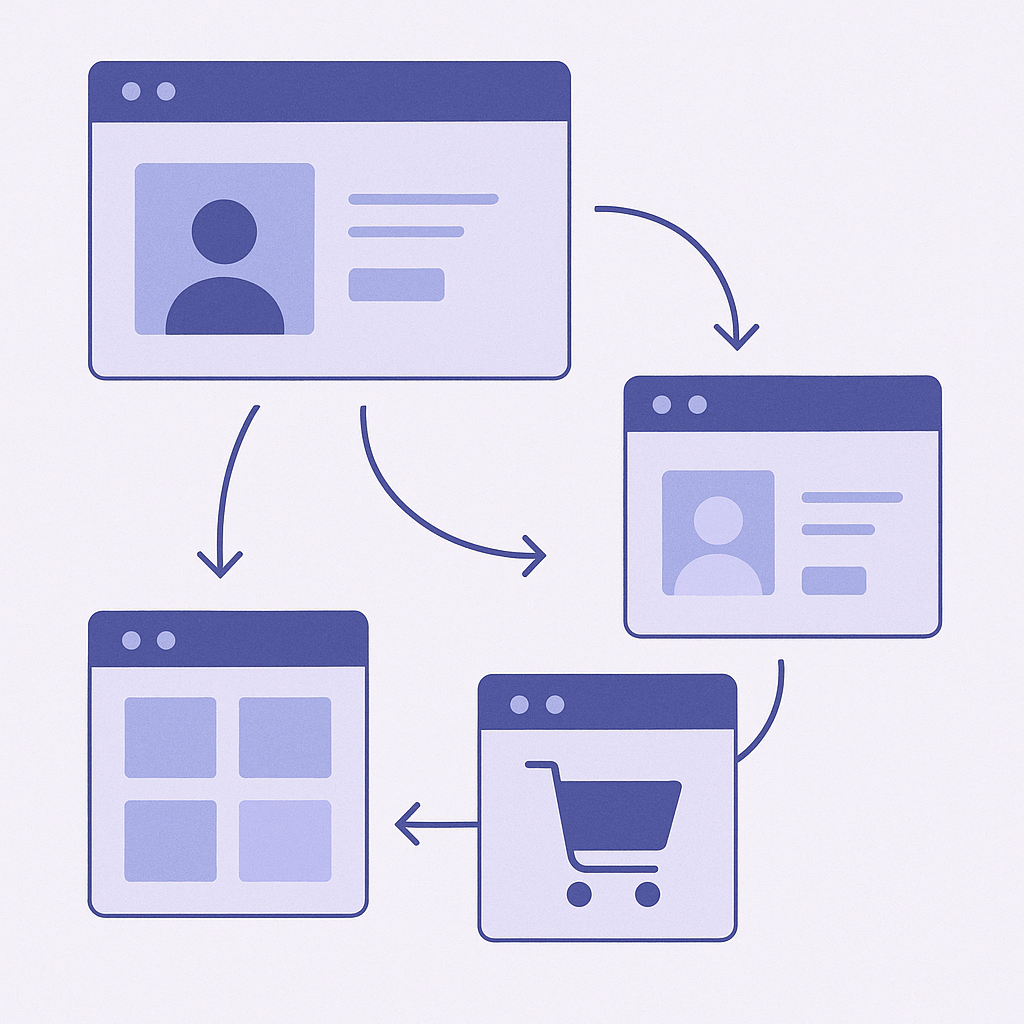
Even within the same store, each page has a different primary action you want to drive. Below are recommended combinations for a typical Shopify store.
- Home page and collection pages
- Goal: get visitors to discover as many products as possible and increase browsing depth
- Recommended logic: use collaborative_view as the default
- For example, “Most viewed products recently”, “Other items viewed by people browsing this category”
- Why:
- View data is richer than purchase data, so a broad, widely applicable logic is a better fit - Product detail page (product page)
- Goals:
- Show comparison options for visitors who have not decided yet
- Propose bundles to visitors who are already inclined to buy
- Recommended logic:
- For comparison and browsing: collaborative_view (labels like “People viewing this item also viewed…”)
- For bundle proposals: collaborative_purchase (labels like “Frequently bought together”)
- While your store is small: you can start with collaborative_view only - Cart page and mini cart
- Goal: increase average order value through upsell and cross-sell
- Recommended logic: prioritize collaborative_purchase
- Why:
- It is most effective to show proven “go-to combos” to customers who already have high purchase intent
- If you use view-based logic here, casually browsed items tend to mix in and relevance to the cart can drop - Order confirmation (thank-you) page and post-purchase emails
- Goal: trigger repeat and additional purchases
- Recommended logic:
- Main: collaborative_purchase (items related to the purchased products)
- Secondary: collaborative_view (interest-based items from view history)
- Why:
- The customer has already purchased once, so purchase-history-based recommendations work well
Common pitfalls and how to avoid them
- Mistake 1: relying only on purchase-based logic when orders are still low
- Situation:
- Right after launch, you place only collaborative_purchase on product pages and the cart
- Likely issues:
- Recommendation slots keep showing the same item or remain almost empty
- How to avoid it:
- First make collaborative_view your main logic and gradually introduce purchase-based recommendations once data starts accumulating - Mistake 2: using the same logic on every page
- Situation:
- Because it is convenient, you set collaborative_view everywhere on the site
- Likely issues:
- On pages where you actually want upsell, like the cart and thank-you page, recommendations end up being just view-based suggestions
- How to avoid it:
- At minimum, switch the cart and thank-you page to prioritize purchase-based logic - Mistake 3: judging results over too short a period
- Situation:
- You remove recommendations after only a few days because click-through looks low
- Likely issues:
- You turn it off before learning stabilizes and never see its real performance
- How to avoid it:
- Depending on your phase, keep the logic fixed for at least one to two weeks before evaluating - Mistake 4: relying only on view-based logic in high-ticket stores
- Situation:
- In a high-price-point store where each customer views only a few items after careful comparison, you use view-based logic only
- Likely issues:
- With limited view data, collaborative_view itself never stabilizes
- How to avoid it:
- As soon as orders start coming in, add collaborative_purchase early and show frequently bought-together add-ons like warranty or maintenance items
Next steps with RecoBoost
If you are using RecoBoost, first check which of phases 1 to 4 your store is closest to, and then proceed roughly as follows.
- In your Shopify admin, go to Apps and open RecoBoost.
- From the left menu, open the Recommendation widgets section (temporary name), then select an existing widget or click Create new.
- On Placement pages, start by limiting placement to just the product page and the cart page.
- Set the product page widget logic to collaborative_view and use a title like “People who viewed this item also checked.”
- Set the cart page widget logic to collaborative_purchase and use a title like “Frequently bought together.”
- Keep the widgets live for one to two weeks, then in the RecoBoost Reports view compare impressions, click-through rate, and revenue attributed to each widget, and use that to decide your next adjustments such as changing logic or adding pages.