
Playbook for Splitting Manual Merchandising and AI Recommendations
Use manual curation for brand storytelling on feature pages, and AI recommendations on PDPs and carts to drive revenue. This playbook explains how to divide roles between manual merchandising and AI across key Shopify store pages.
Conclusion: let manual curation handle brand world-building, and let AI handle revenue paths
As a store-wide policy, the following split of responsibilities works well.
- Top page, feature pages, campaign pages: use manual curation to shape your brand world and key messaging
- Product detail pages (PDP), cart, and pre-checkout: use AI recommendations to optimize related items, upsells, and cross-sells
- Lower sections of the home page, below blog articles, 404 pages, and similar areas: use AI as the base and manually pin a few items only where you need fine-tuning
In short, what you want customers to see (brand intent) should be controlled manually, and what customers are likely to buy (predictions based on behavioral data) should be left to AI. Below, we整理 the differences between the two and how to assign them by page type.
Where manual merchandising should be used and what it’s best at
First, here are the strengths of manual curation—intentionally arranging products by hand—and the areas it is best suited for.
- Just below the main visual on the home page: the area where you want to clearly highlight what you are pushing now, such as new arrivals, seasonal features, or sales
- Feature collection pages: pages where you present a narrative, such as style suggestions (e.g., spring office outfits) or use-case suggestions (e.g., gift guides)
- Pages with strong brand storytelling: pages where the story is key, such as collaboration projects, limited-time campaigns, or limited-quantity drops
- Ad-traffic landing pages: when you need the page content to match the ad message precisely
Manual merchandising excels in cases like the following:
- You want to express a brand world or story: you want to communicate a seasonal theme or brand values through visuals plus products
- You have products you want to push regardless of inventory status: for example, a new category, high-margin products, or products with strong reviews
- You need compliance or messaging control: when you want to strictly limit which products are displayed
On the other hand, if you try to manage every page manually, update frequency tends to drop, leading to issues like old campaigns lingering or out-of-stock products staying visible. To avoid this, the more traffic a path gets, the more realistic it is to combine it with AI to reduce your workload.
Where AI recommendations should be used and what they’re best at
AI recommendations are good at automatically surfacing products that are likely to be purchased, based on user behavior and product similarity. Especially in the following areas, prioritizing AI over manual control tends to produce better results.
- Lower sections of product detail pages (PDP): AI similar products, AI related products, frequently bought together items, and similar blocks based on the product being viewed
- Cart page and drawer cart: AI cross-sell related to items in the cart (suggesting bundles and add-ons)
- Before order confirmation (pre-checkout upsell area): AI recommendations aimed at raising average order value (when you are using Shopify checkout extensions)
- 404 pages and zero-result search pages: prevent exits by displaying AI-powered “recommended for you” products alongside your apology copy
AI recommendations are particularly advantageous on these points:
- They automatically follow changes in inventory, price, and bestsellers: reducing the risk of continuing to push sold-out items
- They can optimize per user: even on the same PDP, you can show different products depending on browsing history or cart contents
- They learn long-term “frequently bought together” patterns: surfacing combinations that humans might not notice, including unexpected bundle purchases
- They have low operating cost: you can keep manual adjustments to the bare minimum and rely on automatic updates for the rest
Because of these characteristics, AI works increasingly well the further along the purchase path you are. For users who already show interest in some product, you can dynamically suggest “how about this next?” based on behavioral data.
By page type: practical split between manual curation and AI
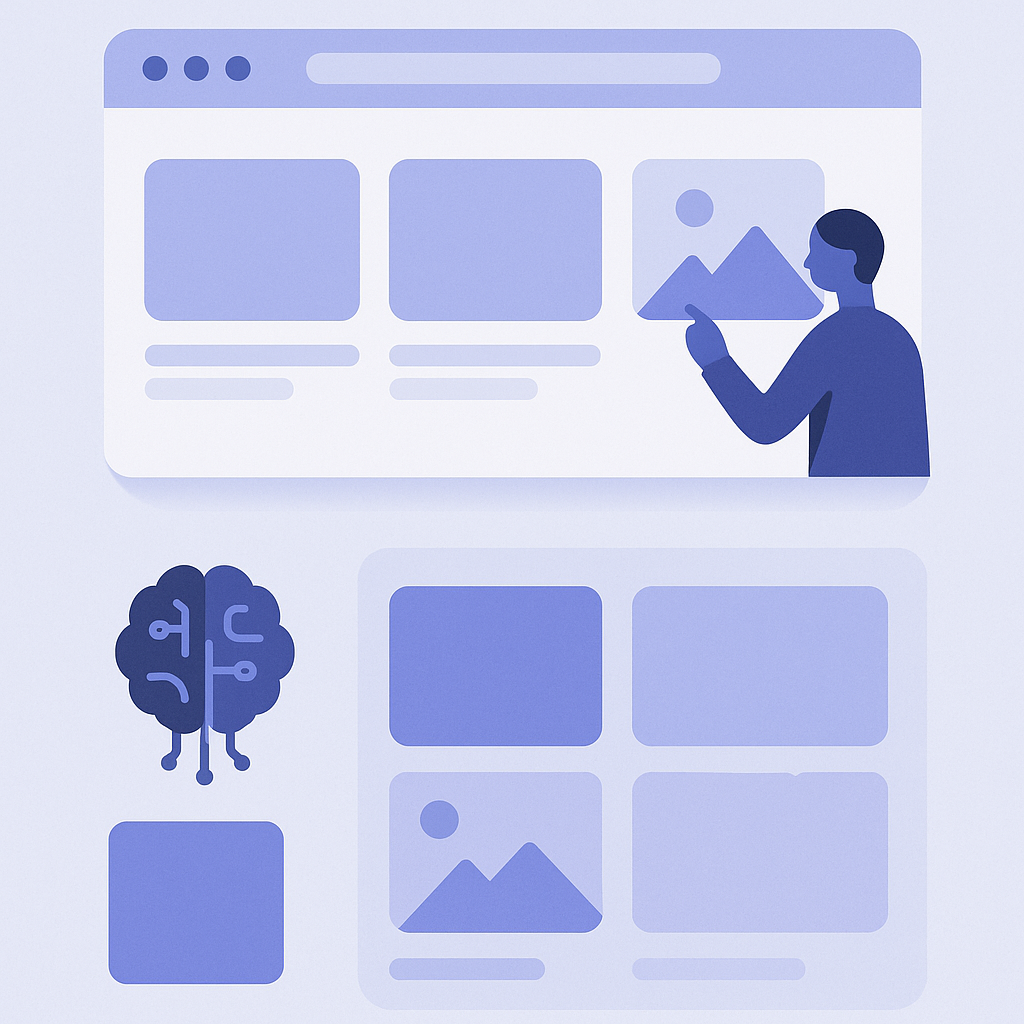
From here, we’ll整理 benchmarks for how far to rely on manual vs AI for key page types.
- Home page
- First view to main feature: manual curation (explicitly highlight new arrivals, sales, brand stories, etc.)
- Mid-page sections like “popular items” or “recently viewed”: AI recommendations (rankings and personalization)
- Near the footer: “Recommended for you” driven by AI, with optional manual pinning for specific items - Feature pages (campaigns and collection pages)
- Upper part of the page: manually structured (key visual, lead copy, order of highlighted products)
- Lower part of the page: leave discovery to AI with sections like “Products often viewed with this feature” or “Recently viewed” to encourage further browsing - Product detail pages (PDP)
- Main product, variants, and description: manual control (naturally managed entirely by the store operator)
- Just under the description: “Products that pair well with this one” using AI cross-sell
- Lower part of the page: “Products other users often view together” as AI similar products, plus “Recently viewed” - Cart and drawer cart
- Cart item list and subtotal display: theme’s default behavior (manual settings)
- Just below the subtotal: “Recommended based on items in your cart” using AI cart recommendations to suggest add-ons and bundles - Blog posts and content pages
- Products featured within the article body: manual (tightly tied to the content)
- Below the article: “Recommended products for people who read this article” powered by AI based on browsing history
As a mental model, build the first view and the first few blocks at the top of the page manually, and leave lower sections and side blocks to AI. This structure makes it easier to balance brand world-building and operational efficiency.
When to prioritize which: a decision checklist
When you’re unsure whether to prioritize manual control or AI, use the following three angles to clarify your decision.
- 1. Is this area for brand experience or for performance?
- Brand experience focus (brand awareness, storytelling): prioritize manual curation
- Performance focus (CVR, AOV, inventory turn): prioritize AI recommendations - 2. Can humans realistically maintain the display logic?
- Hard to update even once a week: base it on AI and manually pin only the absolutely necessary items
- Can be composed of a small set of hero products: manual-only is manageable, so humans can decide everything - 3. Does it make sense to vary content per user?
- You want all users to see the same thing: if the goal is brand messaging, use manual control
- The “right products” differ by user or timing: you should leverage AI personalization here
Looking through this lens makes it easier to decide, for example, “We’ve been arranging this section manually, but AI would probably work better here,” or conversely, “Leaving this to AI would dilute our brand, so we should keep it manual.”
Your next step with RecoBoost
Here is how to implement the split “feature pages are manual, PDP and cart are AI” using RecoBoost.
- Open RecoBoost from Apps in your Shopify admin and create a recommendation block for PDPs: choose AI similar products or frequently bought together as the logic, and set the number of items (e.g., 4).
- Open the Theme Editor via Online store → Themes → Customize, and add a RecoBoost block to your PDP template: insert a RecoBoost block from Add section, and place it under the product description or similar.
- In the same way, add a RecoBoost block to your cart templates (including drawer cart) and select cart-related AI recommendations as the logic: placing it right below the subtotal makes impulse add-ons more likely.
- On the home and feature pages, keep your existing manually curated collections and section structure, and simply add one RecoBoost “Recommended for you” block near the bottom of the page: choose AI personalization as the logic and place it where it doesn’t interfere with your manual layout.
By starting with this split—AI on PDP and cart, manual on home and feature pages plus AI only in the lower sections—you can test the impact of AI without increasing your operational workload.