
Practical guide to structuring wholesale pricing and catalogs in Shopify B2B
When you organize wholesale pricing and catalogs in Shopify B2B, the shortest path is to design around three pieces: company profiles, price lists, and catalog visibility. This article explains how to split price lists, keep catalogs scalable as SKUs grow, and avoid common migration pitfalls.
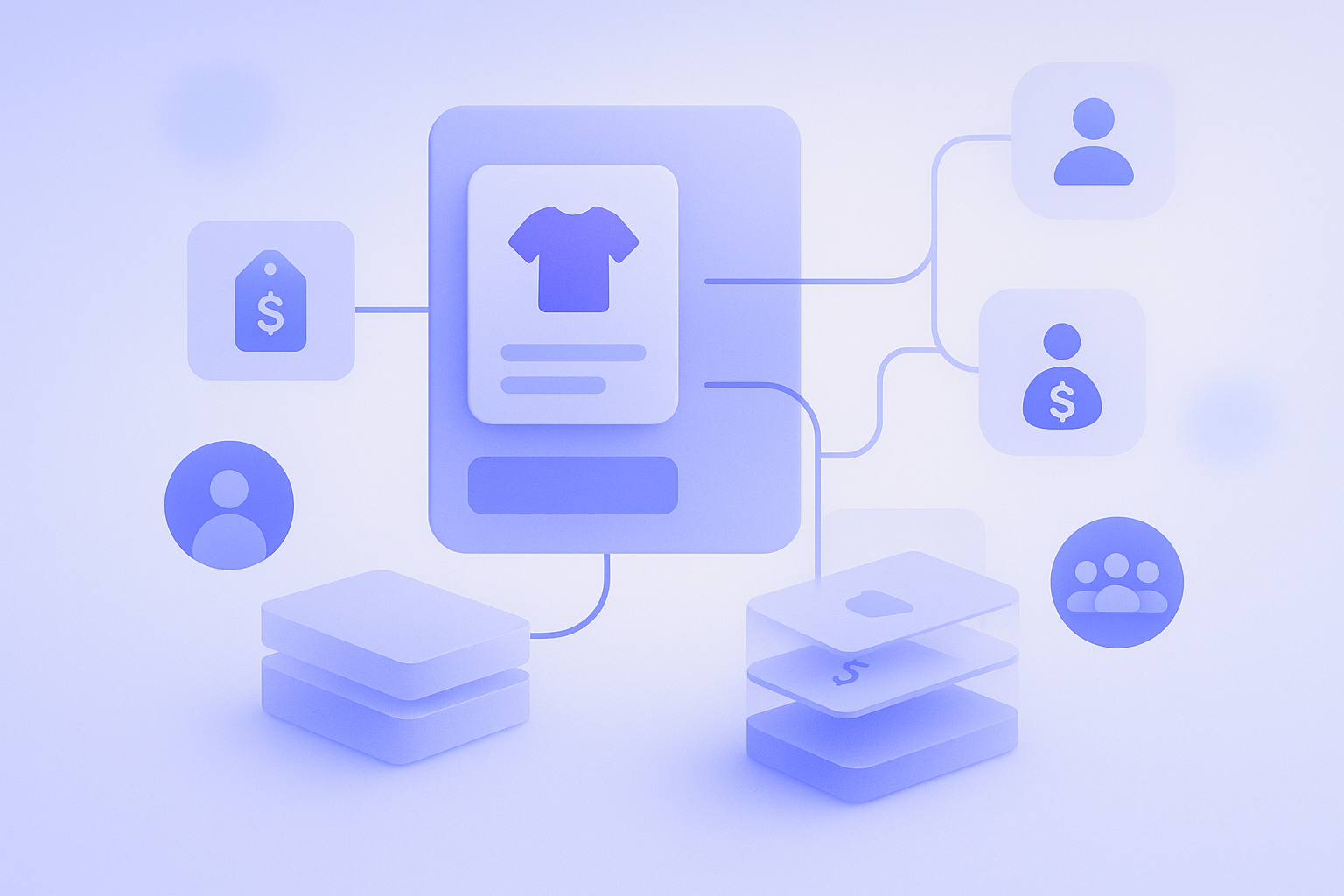
To run a wholesale business on Shopify B2B, you need to manage who you sell to, at what price, and which products separately from your D2C business. This is especially true when migrating from an existing wholesale setup with lots of pricing exceptions. If you get the catalog and price list design wrong at the start, the cost of fixing it later will balloon. This article explains a way of structuring things that does not break down in real operations, based on Shopify’s native B2B features (company profiles, price lists, and catalog visibility). In short, if you treat the company profile as the customer’s entry pass, the price list as a set of commercial terms, and catalog visibility as shelf allocation, it stays manageable even as SKUs and accounts increase. Simply importing your existing spreadsheets as one price list per customer will almost certainly hit a wall in Shopify.
Understand Shopify B2B’s basic structure from an operational perspective
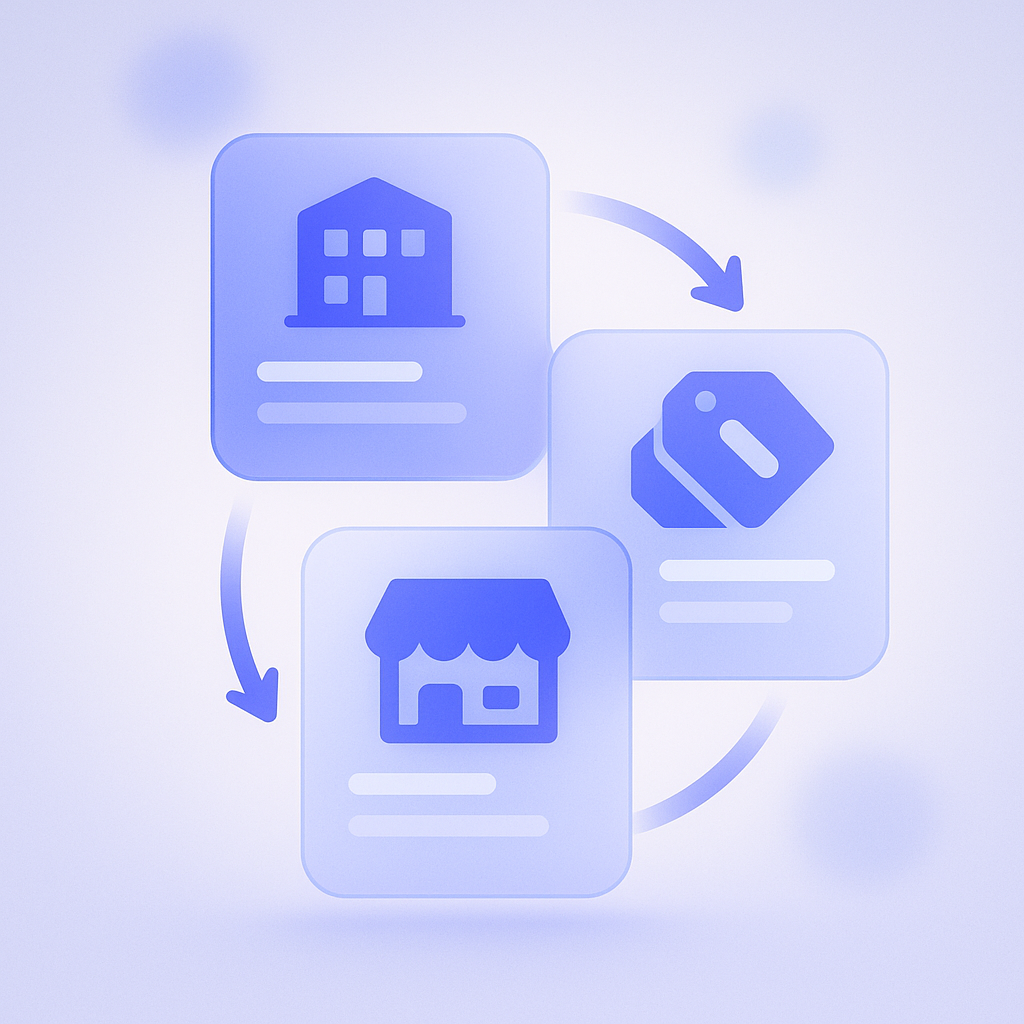
There are three core building blocks you need to grasp in Shopify B2B: company profiles, price lists, and locations/storefronts. Shopify’s docs explain each in detail, but they make more sense if you translate them into how they work in day‑to‑day operations.
A company profile is a bundle of information and rules for a B2B customer (a legal entity). You define billing addresses, shipping locations, payment terms (for example, post‑payment), and then link the relevant customer accounts. In daily operations, it is easiest to think of it as the unit that controls which company can place orders in which stores and from which warehouses.
A price list is a set of prices and terms applied to specific company profiles or company locations. You can define discounts from standard prices, customer‑specific list prices that override MSRP, and quantity breaks in one place. Because a single price list can be shared across multiple company locations, it is realistic to design it as shared rules by business type or region.
The storefront relates to how you design the entry point: whether you use a B2B‑only theme or share the same store with B2C, and so on. In Shopify B2B you can configure, per company profile, which storefront (that is, which URL) they log into. That lets you show different stores to, say, domestic wholesalers and overseas distributors. If you do not draw this line clearly, you increase the risk of accidental orders being placed at B2C prices.
How to split price lists: design by pricing rules, not by customer
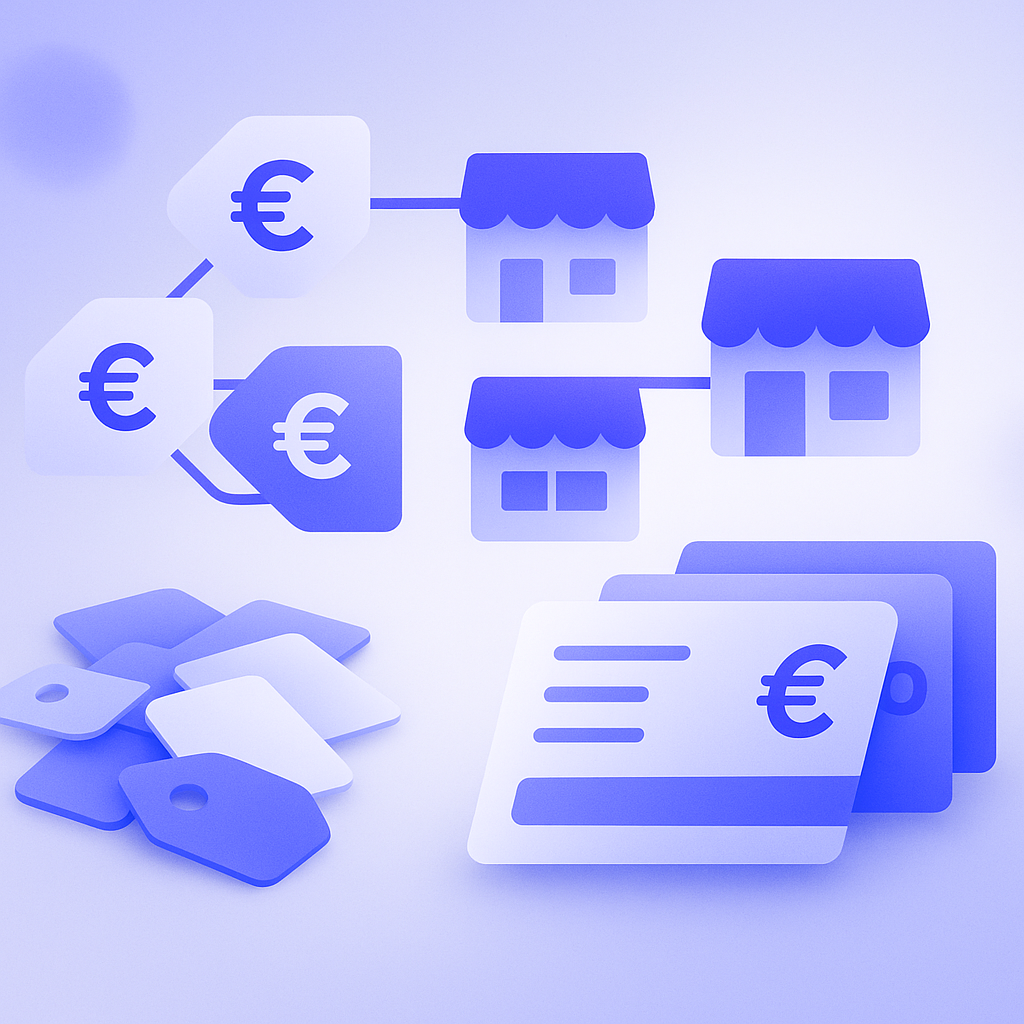
The most common mistake in price list design is creating one price list per trading partner. That is still manageable with ten accounts, but once you hit thirty or fifty, every campaign or cost change forces you to touch every single price list, and operations fall apart.
In Shopify B2B, one price list can be assigned to multiple company locations. The practical approach is to leverage this and split price lists by pricing rules. For example:
- Standard wholesale: a flat discount of X% off list price across all products
- High‑volume wholesale: same discount off MSRP, plus case‑level quantity breaks
- Distributors: special prices for certain products; some products not allowed for sale
- Internal use: special prices for stock valuation or internal consumption
If you group price lists into patterns like this, then when a new customer comes on board you just decide which pattern they belong to and assign an existing price list. Even when a single customer needs special pricing, you should first see whether you can handle it with the standard price list plus some targeted adjustments, instead of creating a fully bespoke list. That approach keeps medium‑ to long‑term maintenance costs under control.
A very common migration failure is to bring in your old system’s Excel price sheets as‑is, mapping one file to one Shopify price list. Six months later, when your costs go up a few percent, you end up manually reviewing more than thirty price lists, with a high risk of missing updates and selling at a loss. Before you start, audit which axes actually change your prices and consolidate them into the minimum number of patterns.
Deciding B2B catalog visibility: who should see what
Even if your pricing is organized, if you are vague about which products each customer is allowed or not allowed to see, your B2B store’s search results will end up a mess. In Shopify, you can control which products each company profile sees using product‑level publish/unpublish and collection‑based filtering.
The basic approach is to first group everything that can be shown to all B2B customers into a “B2B common” collection, then split products with conditions like region‑only or channel‑only into separate collections. For each company profile, you then use the assigned storefront and theme to decide how to surface those collections. That makes it easier to build the catalog you want each trading partner to see.
For example, you might want to show a full lineup including alcohol to domestic wholesalers, but only the non‑alcohol lineup to overseas distributors. In that case, you tag or collect all products including alcohol as “B2B common” and the non‑alcohol products as “for overseas,” then configure the overseas distributor storefront to expose only the “for overseas” collection as the main catalog. Once this is in place, when you add new products you know exactly which collection to put them in to make them visible to which customers, which helps prevent misunderstandings between team members.
One operational caveat: if you use the same products for both B2C and B2B, price and content are easier to mix up. If you include phrases like “suggested retail price” or “consumer price” in descriptions or images, you need a policy up front on whether that is acceptable on the B2B side. If not, wholesalers may complain that end‑customer pricing is fully exposed.
Naming and classification rules that will not break down as SKUs grow
For a B2B catalog, management cost is driven more by the number of SKUs (variants like size or color) than by the number of base products. Once you have a few hundred SKUs, it is easy to lose track of which SKU is on which price list at what price, and which customers can see it. That is why consistent SKU naming and product classification become so important.
For SKU naming, use a structure that reveals the higher‑level category, such as “product category + spec + color + size.” That makes it much easier to import and filter price lists. If you simply assign sequential codes like A‑001, A‑002 within a series, it becomes very hard later to do things like “raise prices for just series A by 5%.”
For product classification, you can avoid confusion by deciding upfront which dimensions you need for B2B operations and implementing them with Shopify collections and tags. Commonly used dimensions include:
- Sales channel (B2C‑only, B2B‑only, or shared)
- Region (domestic only or export allowed)
- Sales restrictions (license required, limited‑time, pre‑order only)
- Price tier (high‑ticket, standard, special price)
Once these dimensions are defined and mapped to tags, you can realistically do work like “extract only B2B‑only products that can be sold overseas and build a price list” or “strictly audit visibility for license‑required items.” If each manager uses different criteria for tags and collections, within a year you will likely end up in a situation where no one can see the whole picture. Before launch, document your naming and classification rules on a single page and share them with the team.
Build a pricing and catalog update flow with sales and stores
B2B pricing and catalogs are not set‑and‑forget. You need to review them regularly as costs, inventory, and promotions change. The key is to decide in advance who makes which decisions, and at what level of granularity. If approval flows are vague, sales reps will promise discounts on the spot, and the Shopify price lists will not be updated in time, leading to trouble.
In practice, the following division of roles tends to work well:
- Sales and stores: negotiate terms with accounts and gather requests for pricing patterns
- Ecommerce operations: design and implement price lists and catalogs in Shopify
- Management: approve pricing policies and exception rules
For example, if you need to raise prices due to higher costs, sales first organize which pricing patterns will change and by how many percent. Ecommerce operations then bulk‑update the relevant price lists based on that plan. After that, they use a test B2B login account to verify the actual cart totals and on‑screen pricing. If everything looks good, they share the results with sales, who then move on to notifying customers in advance.
A common pitfall is handling clearance or markdowns with the same mindset as B2C: slash prices first and sort out details later. In B2B, if you do not consider existing contract terms and the price differences between accounts, you run a high risk of damaging trust. On the Shopify side, you can mitigate this by duplicating a price list to create a test environment, checking the impact, and only then applying it to production.
How to use RecoBoost: optimize catalogs by account using actual sell‑through data
RecoBoost is an app that automatically recommends the best products for each customer based on browsing and purchase data in Shopify. In B2B, you first define the permissible sales conditions with company profiles and price lists, then let RecoBoost learn which categories and price ranges each account actually buys. That makes it easier to show each wholesaler a catalog that reflects reality. For instance, even if accounts A and B share the same standard wholesale price list, you can prioritize replenishment of core SKUs for A while recommending test buys of new products for B. By using your price list and visibility design to ensure safety, and letting RecoBoost automatically optimize what to show and in what order, you can drive both engagement and average order value in your B2B store.
To organize wholesale pricing and catalogs in Shopify B2B, it is crucial to separate the questions “who is allowed in” (company profiles), “at what price do you sell” (price lists), and “what do you show” (visibility and collections). Design price lists by pricing pattern rather than by account, and define SKU naming and product classification rules upfront, so that growth in accounts or SKUs does not overload operations. Clarify your collaboration flow with sales and stores, and always include checks using test accounts; this greatly reduces B2B‑specific pricing issues.