
How to Choose Between Shopify Email and Klaviyo for Real-World Use
Shopify Email and Klaviyo aren’t about which is “better” in general, but which fits your store size and goals. This article compares pricing, segmentation, and automation so you can choose the right email tool for your Shopify store in day-to-day operations.

When you start email marketing on Shopify, many stores get stuck on the question of whether Shopify Email alone is enough or if they should bring in Klaviyo. Both integrate smoothly with Shopify, but their pricing models and capabilities are very different. If you mainly send a few newsletters or announcements per month, Shopify Email can be perfectly adequate. If you seriously want to grow revenue from email, Klaviyo often has the edge. Based on Shopify’s official information, this article整理s how to use each tool from a practical standpoint, looking at pricing, segmentation, and automation scenarios. In short: for low-cost, low-frequency sends, use Shopify Email; if you want to maximize email revenue and run finely tuned segments, use Klaviyo. At the end, we also cover when to switch tools as your store grows, and how to combine them with RecoBoost.
Understanding the basics and key traits of Shopify Email and Klaviyo
First, some groundwork. Shopify Email is Shopify’s native email marketing feature, available directly from the admin without having to connect an external service. Klaviyo, on the other hand, is an external email and SMS marketing platform that integrates with Shopify and offers far more advanced segmentation and automation. Both are installed from the Shopify App Store, but Shopify Email is more deeply embedded into the Shopify admin itself, which is a major difference.
According to the official docs, Shopify Email is best suited to bulk sends like newsletters and campaign emails, with a limited set of automated emails available. Klaviyo shines when it comes to behavior-based flows such as abandoned cart, post-purchase follow-ups, and birthday messages, as well as sophisticated A/B testing. It is designed to optimize revenue from email. Both tools use Shopify’s customer and order data, but Klaviyo can trigger flows from a wider range of events, which allows much more granular targeting.
If you do not understand this difference, it is easy to look only at the monthly fee, pick the cheaper option, and later run into missing features or rework in your operations. For stores that aim to grow the email revenue share to 10% or more, it can actually be cheaper in the long run to design your setup around Klaviyo from day one and avoid migration costs later. Conversely, for products with low visit and repeat-purchase frequency, where you mainly send a few announcements per month, Shopify Email will often cover what you need.
Pricing structure differences: use 10,000 sends per month as a rough line
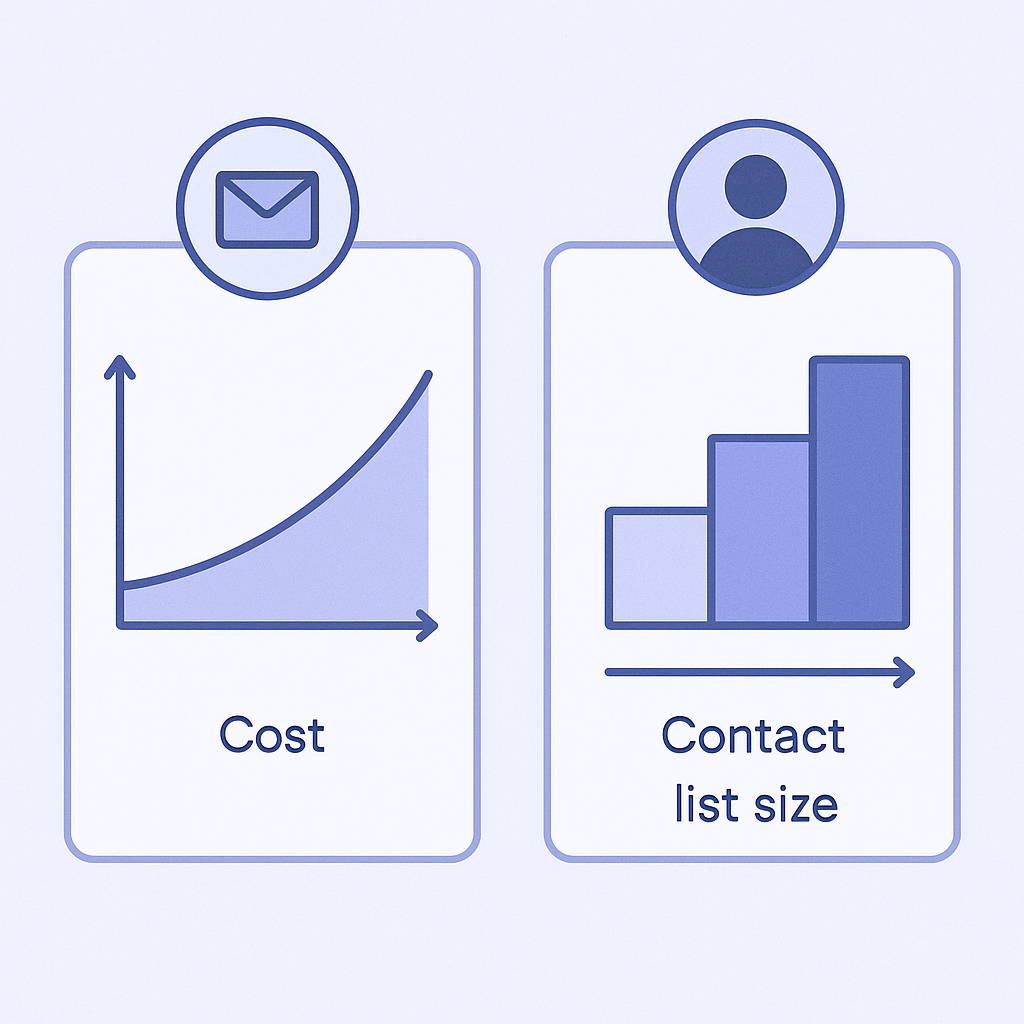
Pricing is the clearest axis when choosing tools. Per Shopify’s official information, Shopify Email includes a certain number of email sends each month in your Shopify subscription, and anything above that is billed on a pay-as-you-go basis per 1,000 emails. Exact free allowances and unit prices can vary by plan and region, so always check the latest pricing page. The key point is that it uses a straightforward “per email send” model.
Klaviyo, in contrast, publishes pricing plans based on both the number of contacts (subscribed contacts stored in your account) and the number of email sends. In general, the more subscribers you have, the higher your monthly fee, with a send limit defined per plan. In other words, Klaviyo’s structure tends to increase your fixed cost as your list grows. In return, advanced automation and analytics features are included as standard.
In day-to-day use, if you are sending only a few thousand up to around 10,000 emails per month, Shopify Email will often be cheaper. Once you are consistently sending tens of thousands of emails a month, Klaviyo’s plans start to look reasonable for the functionality they provide. For example, a weekly newsletter sent to 2,500 subscribers is roughly 10,000 emails per month. At this scale, a realistic approach is to start with Shopify Email, track open rates and revenue impact, and then consider migrating later.
A common failure pattern is to stick with Shopify Email simply because “it is free for now,” and even after your list exceeds 10,000 contacts you still have almost no behavior-based automation in place. In that state, you are likely leaving a lot of potential email revenue on the table, ending up in a situation where “the tool is cheap but the missed revenue is large.” When evaluating tools, you need to consider not only the fee but also how much incremental revenue you can realistically generate.
Segmentation and automation: concretely comparing what each can do
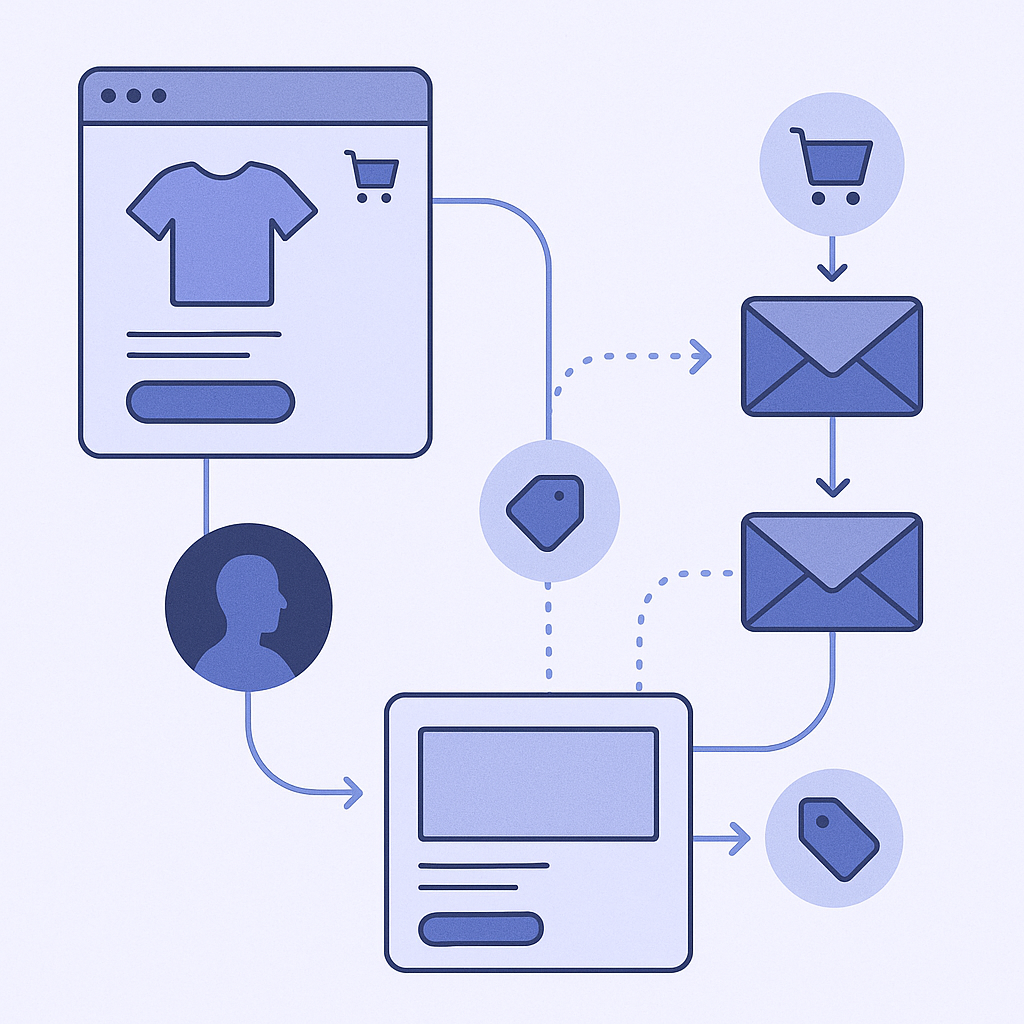
Email marketing performance depends less on raw send volume and more on who you send to and under what conditions. This is where Shopify Email and Klaviyo diverge clearly. Shopify Email lets you create segments based on customer tags and past purchase behavior and send campaigns to those segments. However, the available conditions and combinations are limited, and it is not well suited to building segments based on complex behavioral histories.
Klaviyo, via its integration with Shopify, ingests a wide range of event data such as views, add to cart, and purchases, and lets you combine these in very granular ways. For example, you can build segments like “viewed category A in the last 30 days but did not purchase” or “purchased 2 or more times in the last 90 days and has an average order value above a certain amount,” then attach automated flows to them. This makes it much easier to optimize content and timing per recipient, even if you send the same 10,000 total emails.
There are also big differences in automation. Shopify Email offers a few automated messages such as basic post-purchase follow-ups, but it is difficult to freely design multi-step scenarios tailored to your own behavioral data. Klaviyo provides a drag-and-drop flow builder where you can, for example, set up a sequence like “abandoned cart reminder 1 hour later → review highlights 24 hours later → related product recommendations 3 days later,” all without code.
Another common pitfall is continuing with simple batch sends in Shopify Email and barely running any scenarios like re-engaging lapsed customers or upselling to your best customers. If your campaigns are consistently getting under 15% open rates, it may be time to rethink your segmentation and automation design. If you only start considering Klaviyo at that point, cleaning your existing list and configuring tracking can take time, and you may miss key seasonal campaigns.
Which tool fits which kind of store: concrete scenarios
To make it easier to judge which tool suits your store, consider a few representative scenarios. For stores with a small product lineup and low repeat frequency (for example, high-ticket furniture, jewelry, or commemorative items), communication often centers on 1–2 newsletters or campaign announcements per month. In this case, simply using Shopify Email to send sale information, new arrivals, and brand stories is usually enough to maintain a basic level of customer touchpoints.
For stores selling repeat-purchase products like consumables, food, or cosmetics, email design around the customer lifecycle becomes critical. You will want flows for post-purchase usage tips, reminders ahead of the expected repurchase timing, bulk-buy suggestions, and win-back offers to prevent churn. At this level of complexity, controlling timing and conditions precisely with Shopify Email alone is difficult. A tool like Klaviyo, which is strong in automation, will generally give you both better operational efficiency and higher revenue.
If you want to orchestrate a customer experience that spans offline stores and online, or if you run loyalty tiers and point programs, flexible segmentation and event management in a tool like Klaviyo also becomes valuable. You can aggregate Shopify events and app data, then easily test campaigns such as “send a follow-up only to customers who used in-store pickup.” If you expect this level of complexity, it is better to design your email program around Klaviyo early so you do not face heavy migration work later.
On the other hand, many early-stage stores have email handled by someone who is already juggling multiple roles, with very limited time. In that case, it can make sense to first test whether you can consistently send 1–2 campaigns per month for three months using Shopify Email, and whether you can operate basic segments like new, repeat, and lapsed customers. Based on the share of revenue coming from email and how your send volume grows, you can then decide when it is worth moving to Klaviyo.
Practical steps and cautions for switching or running both tools
If you switch from Shopify Email to Klaviyo, or run both for a while, there are some practical points to watch. The most important is properly handing off subscriber data and consent status. Shopify’s customer database stores whether each customer has agreed to receive marketing emails, and that status must be respected when you connect Klaviyo. Double-sending or emailing customers who have opted out will lead to complaints and higher spam reports.
You also need to align sending domains and from addresses. Klaviyo recommends using your own domain with proper authentication (SPF and DKIM), which, if configured correctly, can improve deliverability. Shopify Email sends via Shopify’s own infrastructure, so domain settings are more limited. Before switching, decide which domain and sender name you will use so you avoid confusing your customers.
Timing the switch is also critical. If you change tools right before a big sale or campaign period, you risk spending your time building templates and running tests instead of focusing on strategy. In reality, it is safer to run test sends with the new tool during a quieter period, check opens, clicks, and deliverability, and only then fully switch. Aim to run at least two or three real campaigns with the new tool before using it for a major promotion.
A frequent failure pattern is that after installing Klaviyo, you spend so much time on initial setup and building the first flow that your existing Shopify Email campaigns effectively stop. To avoid this, plan for a transition period where you continue your current batch sends in Shopify Email, while in Klaviyo you focus first on launching just one or two high-impact flows such as abandoned cart and post-purchase follow-up.
How to leverage RecoBoost: connecting email with on-site recommendations
RecoBoost is an app that optimizes product recommendations on Shopify, and by combining it with Shopify Email or Klaviyo you can connect email and on-site experiences. For example, you can show “recently viewed” and “recommended for you” on your site, and then use that browsing behavior on the email side to promote “frequently bought together” items or “popular items with low remaining stock.” When you build behavior-based flows in Klaviyo, you can use patterns learned by RecoBoost to choose which product categories to emphasize, making it easier to improve conversion rates from email clicks. Even if you are using Shopify Email, you can regularly check which recommendation blocks in RecoBoost perform well and turn those product groups into featured themes in your newsletters.
Neither Shopify Email nor Klaviyo is universally better; the right choice depends on your store size, products, and how much effort you can invest in email. Up to a few thousand to around 10,000 sends per month, a solid operation on Shopify Email is often enough, and you can then consider Klaviyo once you need repeat-purchase programs and advanced automation. The key is to look both at your current send volume and revenue impact and at what you want to be doing six to twelve months from now, then design a realistic setup and migration plan. Clarify the role and priority of email in your business, and choose and operate tools that match your current stage.