
Designing digital products and subscriptions on Shopify without pitfalls
When you sell digital products or subscriptions on Shopify, first decide exactly what unit you sell, then lock in your app stack and shipping settings. This article organizes common pitfalls for downloads, memberships, and recurring billing based on Shopify’s specs.
When you sell digital products or subscriptions on Shopify, the most important thing is to decide up front what counts as one unit of product and what app stack you will use. If you start building without fixing these, you risk problems like download URLs being shared freely, or shipping calculations breaking only for subscription orders. Because there is no physical item like in a retail store, every design mistake directly becomes a bad customer experience.
This article organizes the key points you need to cover when designing digital products, download sales, and subscriptions, based on Shopify’s official specifications. At the end, there is one idea on how to use RecoBoost to lift sales of your digital and subscription products.
Basic structure when selling digital products on Shopify
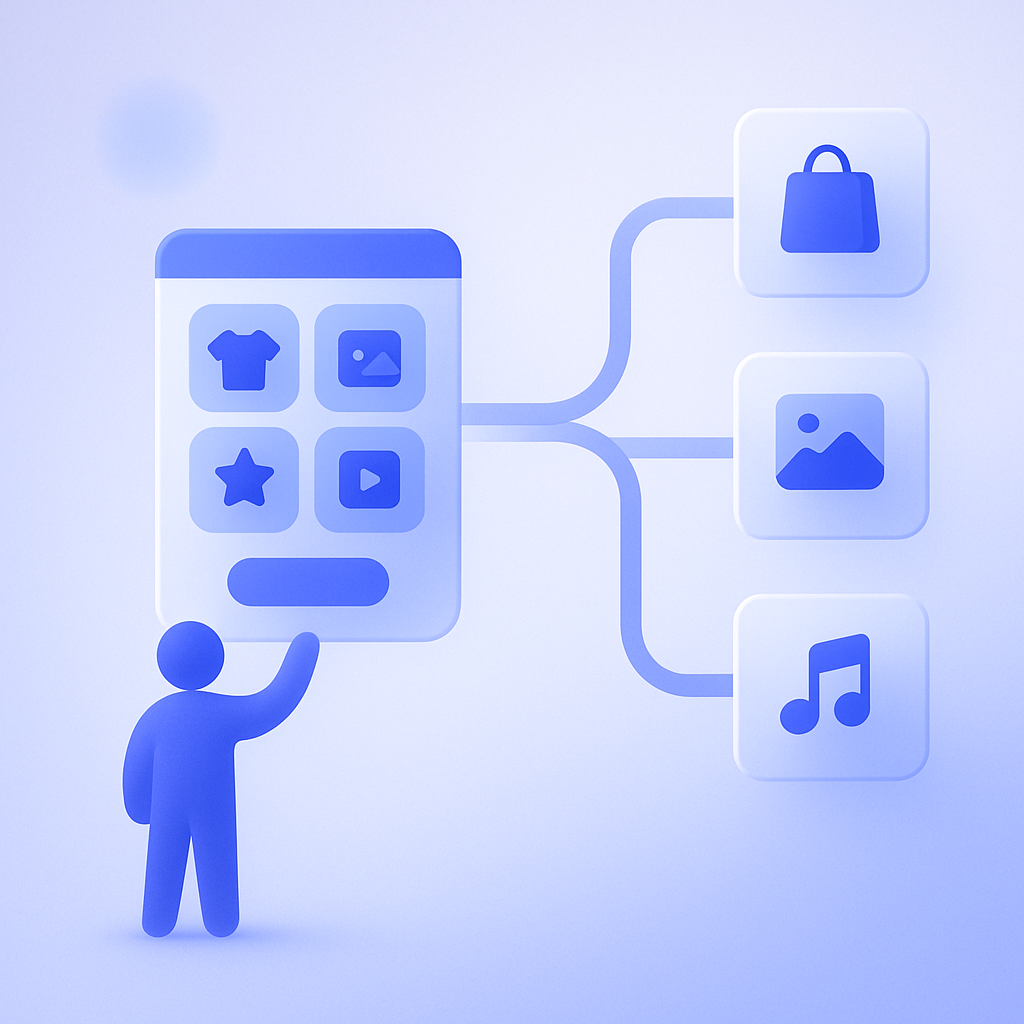
The first thing you need to decide for digital product sales is how you register items as products. On Shopify you can only sell in terms of products and variants, so you must decide whether one download equals one product, or you bundle multiple files into a single product. That choice affects how you price and how you run upsells.
For example, if you want to sell 10 PDF learning materials, the store structure will differ a lot depending on whether you split them into 10 separate products so customers can buy each one, or sell them as one “bundle pack” product. The former makes it easier to test price per item, but increases the number of products and complicates management. The latter is simple, but makes it harder to satisfy customers who want just one specific item.
Also, Shopify does not technically distinguish between physical and digital products. By unchecking “This product requires shipping” in the product settings, you can skip entering a shipping address and disable shipping fee calculations. If you forget this, you often run into issues like customers being asked for their address even though shipping is free, which causes drop‑off. Always double‑check this setting when creating digital products.
In short, start by deciding product units based on how customers want to choose items, and always set digital products to “no shipping.” Sticking to these two rules keeps your design from drifting.
Rules you must fix before starting download sales
For download sales, it is safer to first decide when and how you will provide the download link, and how far you will allow downloading, then choose an app. Shopify has no built‑in function dedicated to file distribution, so the usual approach is to distribute files using an app such as Shopify’s free Shopify Digital Downloads app.
What often causes trouble in operations are the download expiry and limits on the number of downloads. If you allow unlimited time and attempts, it is kind to customers but increases the risk of unauthorized sharing when URLs are forwarded. On the other hand, if you limit it to only one attempt, you tend to get more inquiries from legitimate buyers who accidentally close the page or had unstable connections.
As a practical starting point, set relatively relaxed limits that do not inconvenience honest customers, such as three to five downloads and validity of 7 to 30 days from purchase, then adjust while watching inquiries. In one failure case, a store set the expiry to 24 hours, but received more than expected requests from people who bought on the weekend and wanted to download on their office PC on weekdays, which increased support workload.
Another key point is whether to tie downloads to order status. Normally you allow downloads only after payment is completed, but if you accept manual payments such as bank transfer, you must test the flow so that links are not issued before payment is confirmed. In testing, it is advisable to actually place at least three types of orders and check behavior: successful payment, failed payment, and cancellation.
What you need to know before selling subscriptions on Shopify
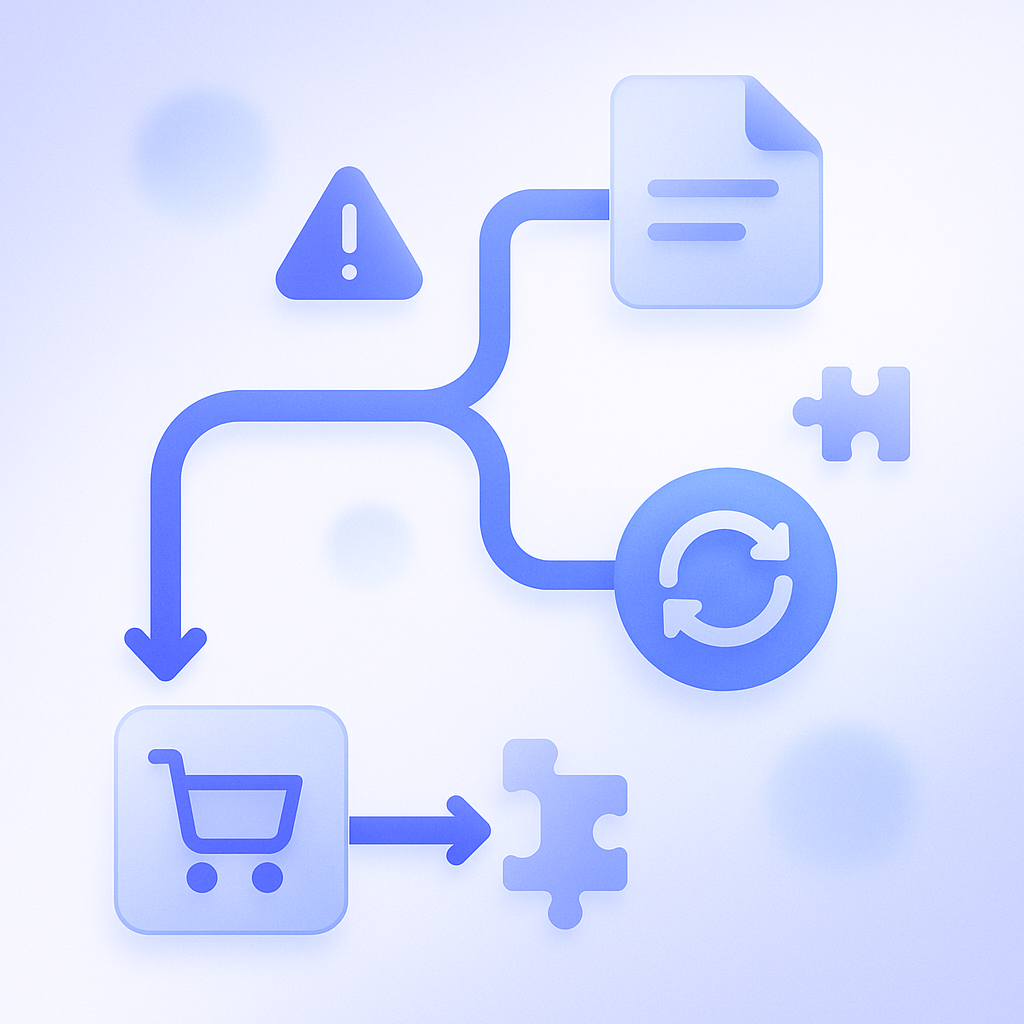
Shopify implements recurring billing (subscriptions) through apps. By using a subscription app that supports the Shopify Subscriptions API, you can sell subscriptions fully integrated into Shopify’s payment flow, including the checkout page.
Here the key design fork is whether to handle subscriptions within Shopify Checkout or send customers to an external payment link. The former lets customers buy subscriptions in the same cart and checkout as regular products, which simplifies the purchase experience. In return, you must use apps that support Shopify’s subscription APIs, and you may not be able to do everything using only free apps.
The latter approach, using external payment links, looks easy to implement, but often causes issues such as separate carts, customer accounts not being stored properly on the Shopify side, and difficulty managing discount codes centrally. If you want to run analytics and CRM that span one‑off purchases and subscriptions, it is generally better in the long run to choose a design that keeps everything inside Shopify Checkout.
Also, Shopify subscriptions are essentially designed to charge the same product or plan on a regular basis. If you try to implement more complex models such as “customers choose different items every month” or “credit balance that decreases as they use it,” the work required to select compatible apps and customize themes increases quickly. For the first iteration, starting with the simplest possible billing model helps shorten time to launch and keep initial cost down.
Key points for tax, invoicing, and refunds
Digital products and subscriptions may be subject to different tax and invoicing rules than physical products. Shopify’s tax settings can be fine‑tuned per country and region, so you must check in advance what tax rates apply to digital products and online services in your sales regions. If the tax rate differs, it becomes easier to manage if you prepare collections or templates specifically for digital products so incorrect settings do not get mixed in.
Invoice details may also differ between one‑off purchases and recurring charges. With Shopify’s standard features, recurring subscription charges are recorded as Shopify orders, but in many cases the subscription app also sends notifications using its own email templates. From the customer’s perspective, it becomes unclear which email counts as the official invoice, so before launch you should place test orders and check all email types, timing, and sender information.
You also need to design your refund policy for digital products carefully. Clarify in your terms and refund policy how far you accept refunds after downloads are completed, and whether mid‑cycle subscription cancellations are prorated or only stopped from the next period. For example, one course store clearly stated a rule of “full refund within 7 days after you start viewing.” This increased the volume of refund‑related emails, but in the long run improved review ratings and boosted purchases from referrals.
Because tax rates and how you handle billing and refunds overlap with legal and tax domains, it is best practice to make final decisions only after consulting professionals, and then translate those decisions into Shopify settings.
How to reduce fraud and content‑sharing risks
With digital products and subscriptions, you can never reduce unauthorized sharing or account sharing risks to zero, but you can design your store to reduce situations where abuse is easy. The key is not just technical restrictions, but also clearly defining rules and how you will respond when customers violate them.
For download sales, in addition to the limits and expiry settings mentioned earlier, the basic practice is to issue a unique download URL for each purchase and deliver it in a way that is hard to expose to third parties. If you simply paste a fixed URL in emails, you cannot quickly shut it down if it gets shared on blogs or social media. Always choose an app that issues different links per order.
For subscription membership content, decide in advance how much account sharing you will tolerate. Technically you can strictly limit IP addresses and number of devices, but that can also block legitimate users. One online school, for example, publicly defines a rule of “maximum two concurrent devices, account sharing with friends prohibited” and only handles clearly malicious sharing on a case‑by‑case basis, and has run operations without major issues.
If you go too far with fraud prevention, you make it harder for honest customers to use your service. Define numerical thresholds for what you will tolerate, and document in advance your rules for download limits, concurrent logins, and the process leading to account suspension so support staff can respond consistently.
How to make use of RecoBoost
RecoBoost is an AI recommendation app for Shopify stores that you can use to make digital and subscription products easier to discover. For example, in a store that sells both one‑off downloadable courses and a monthly subscription program, you can automatically show recommendations like “If you want to keep learning this topic, we recommend the monthly plan” on product pages for single downloads. This helps reduce customers’ confusion about which plan to choose. Because it can suggest related content based on browse and purchase history, you can also expect an increase in items purchased per customer and in conversion from one‑off buyers to subscriptions.
When designing digital products and subscriptions, the shortcut is to first fix three points: what and how you sell, how you implement it with your app stack, and how you define rules for tax, billing, and fraud control. If you start small, test, and iteratively adjust download rules and subscription conditions, you can build a stable digital sales model using just Shopify’s standard features plus apps.