
Blog

Practical tips for Shopify merchants — upsell, cross-sell, recommendations, and the latest platform updates.

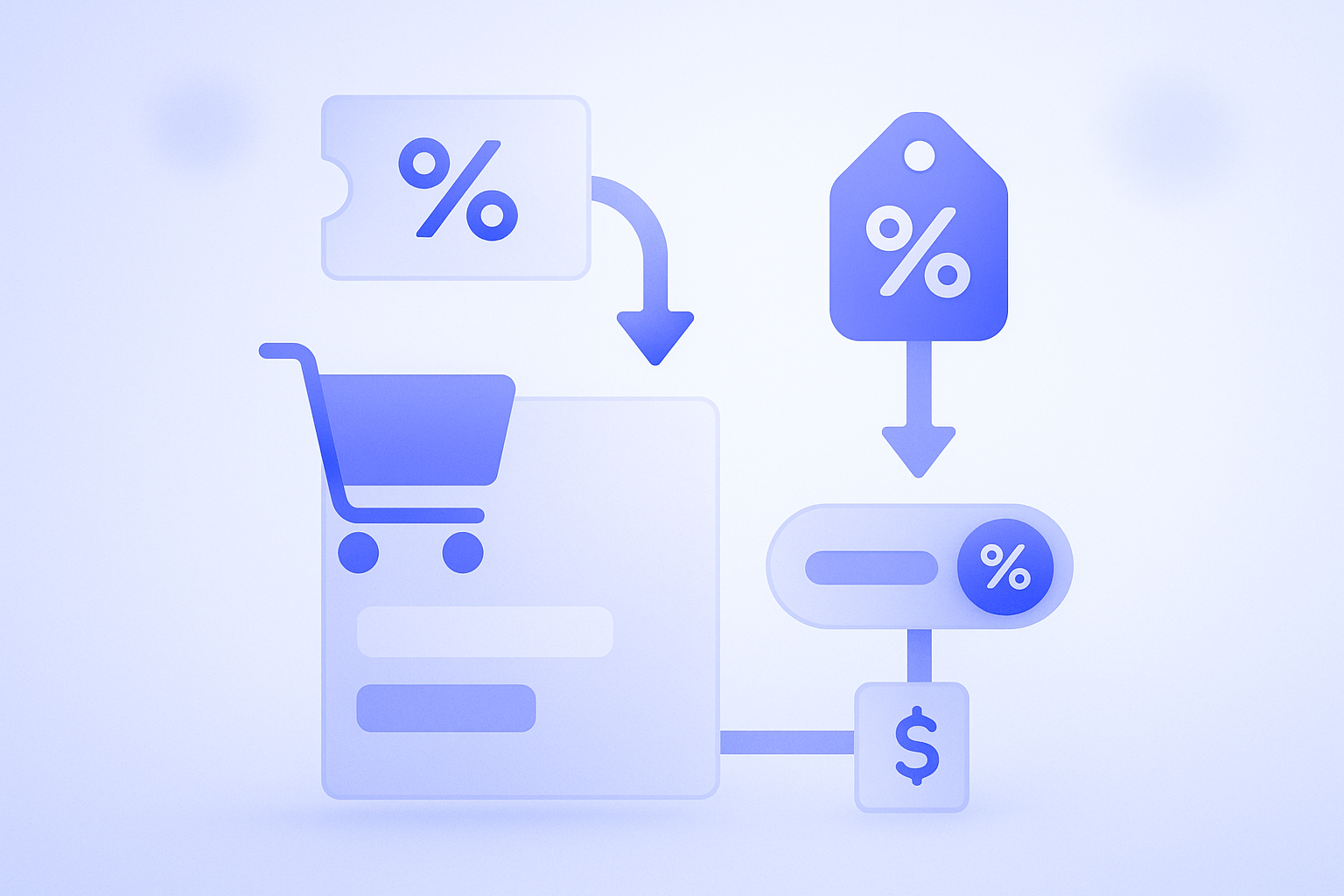
  • Abstract illustration of a Shopify-style checkout screen showing both a discount code input field and an automatically applied discount on the same cart to contrast the two methods.

    How to Use Shopify Discount Codes vs Automatic Discounts

    Shopify discount codes and automatic discounts differ in more than just manual entry vs auto-apply. This guide maps which to use for each campaign scenario and walks through practical setup and operations so you avoid checkout issues while protecting both revenue and customer experience.

  • A Shopify store owner standing at a fork in the road, unsure whether to choose between two email marketing tools represented as different paths

    Klaviyo vs Shopify Email: How to Choose for Real-World Store Ops

    Many Shopify stores struggle to choose between Klaviyo and Shopify Email. For up to roughly 10,000 sends a month, Shopify Email is often enough; as revenue and campaign complexity grow, it becomes realistic to bring in Klaviyo. This post compares them on features, cost, and ops, and explains when

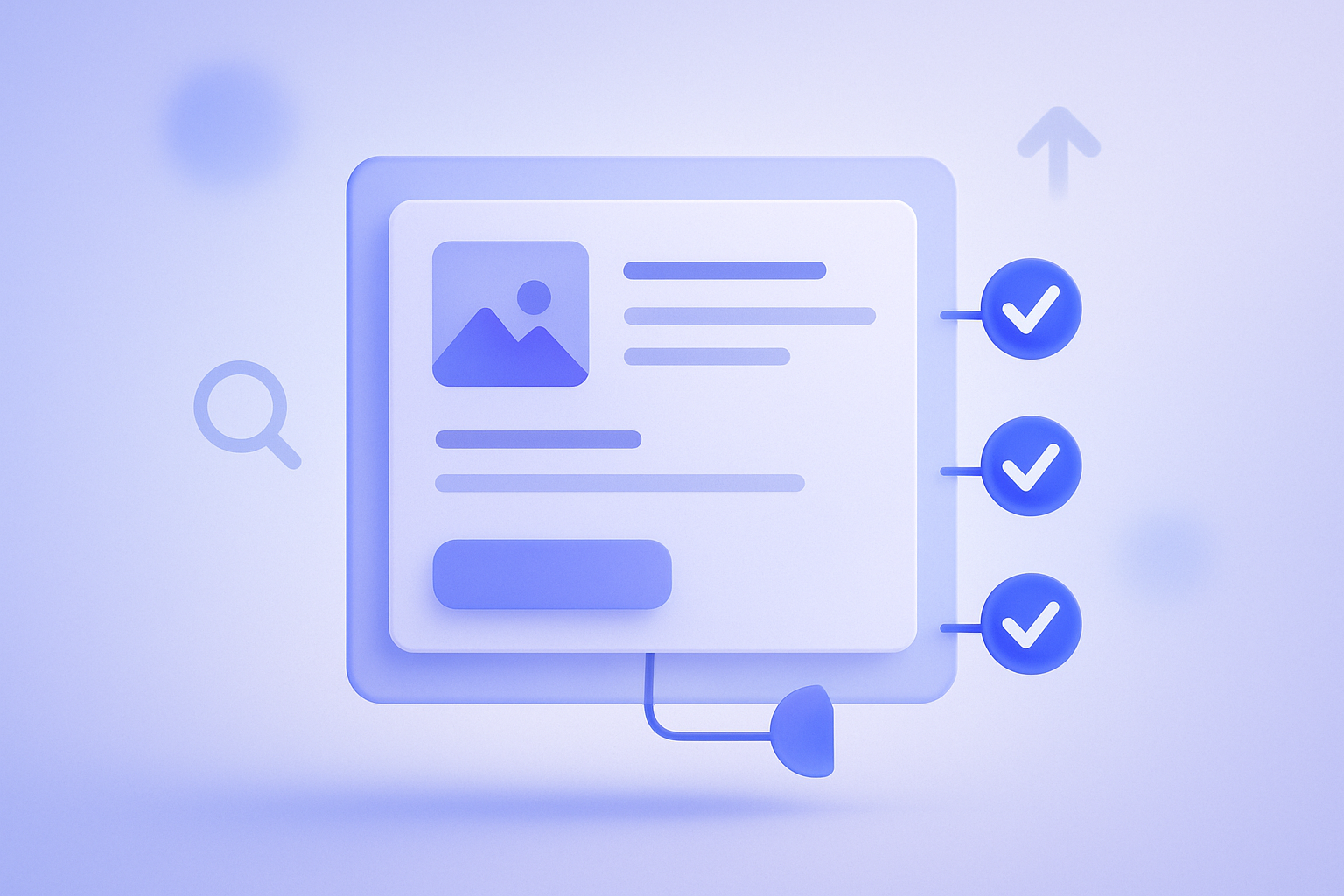
  • Illustration of a Shopify product page where the title, description, images, and links all have green checkmarks, expressing a fully optimized page for SEO.

    Shopify product page SEO checklist to lift organic traffic

    On Shopify, SEO performance depends heavily on how well each product page is built. Beyond titles and copy, this checklist covers images, structured data, and internal links you can apply directly in day‑to‑day store operations.

  • Illustration of a store manager adjusting the layout of an online store in the Shopify theme editor, fine‑tuning sections and banners before publishing changes

    Non‑Engineer Store Owners’ Guide to Shopify Theme Customization

    Even if you are not an engineer, you can safely customize your Shopify theme by knowing what you can edit and how to protect yourself. This guide organizes practical steps from no‑code settings to basic Liquid concepts and backup methods you can use in day‑to‑day operations.