Blog

Practical tips for Shopify merchants — upsell, cross-sell, recommendations, and the latest platform updates.

  • Illustration of a Shopify product page and Google search results, both showing star ratings and multiple product reviews lined up as they would appear to shoppers

    A Practical Guide to Using Shopify Product Reviews for Stronger SEO

    On Shopify, reviews drive more search traffic when you choose and place them strategically, not just collect volume. This guide explains which reviews to feature, where to show them, and how to use apps like Judge.me to win rich results from a store-operator perspective.

  • Illustration of a Shopify product detail page where product information is organized into clearly separated blocks like summary, features, specs, and usage, based on a reusable description template

    Designing Shopify Product Description Templates That Scale and Convert

    If you mass‑produce Shopify product descriptions without a clear template, quality drops as SKUs grow. This article shows how to design reusable description templates, define blocks, checklists, and rules so your team can scale copywriting without hurting conversions.

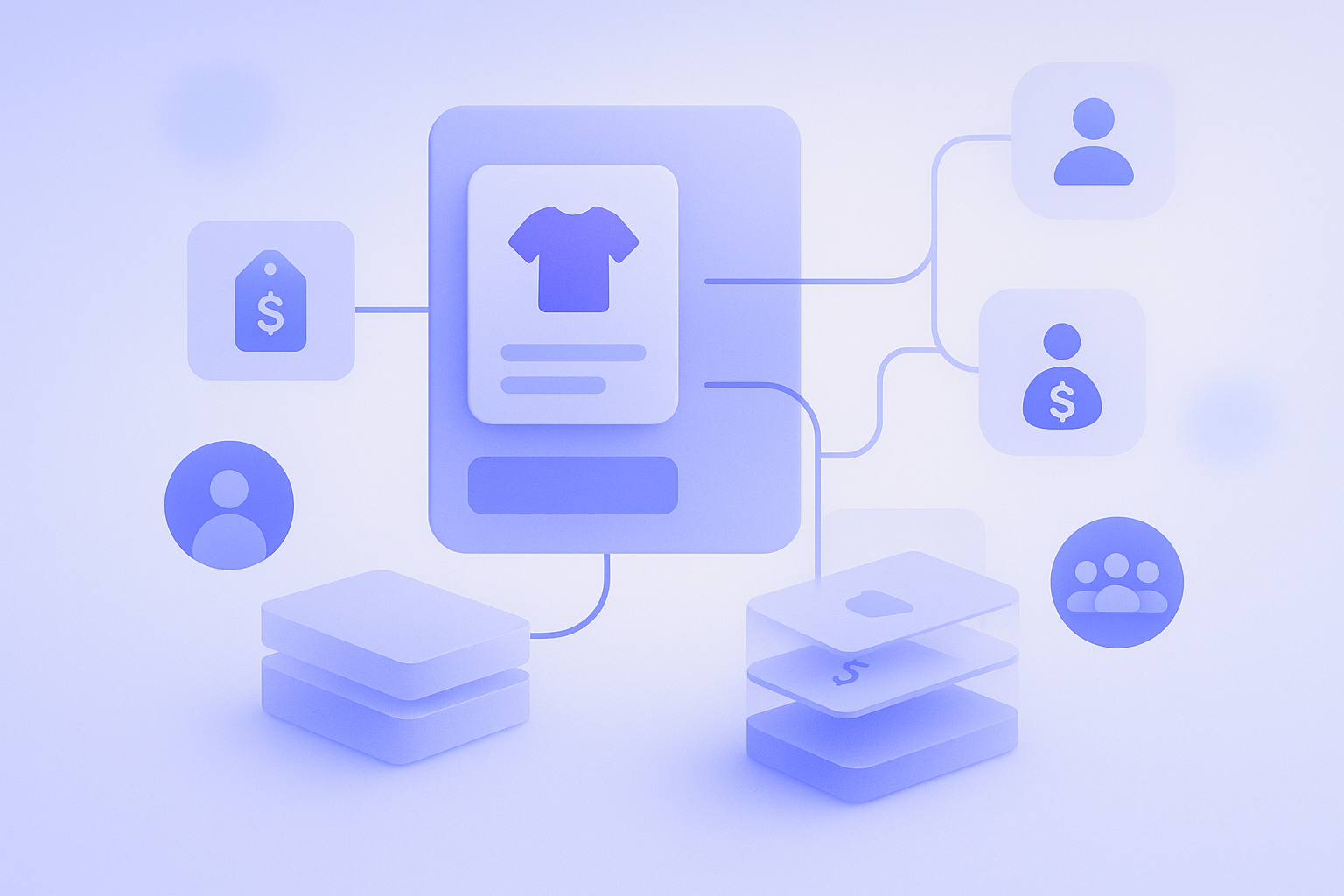
  • Concept illustration of organizing product cards and wholesale price information in Shopify B2B to manage a structured product catalog

    Practical guide to structuring wholesale pricing and catalogs in Shopify B2B

    When you organize wholesale pricing and catalogs in Shopify B2B, the shortest path is to design around three pieces: company profiles, price lists, and catalog visibility. This article explains how to split price lists, keep catalogs scalable as SKUs grow, and avoid common migration pitfalls.

  • Illustration of an online store product grid where several items are visually highlighted as recommendations based on the shopper’s recent browsing history

    How browse‑history recommendations work (and where they break)

    Browse-history recommendations are an easy first step into personalization, but if you do not understand how they work and where they fail, they turn into a “just showing something” block. This article breaks down the logic, limits, and Shopify implementation tips from an operator’s view.

  • Abstract illustration of a customer smoothly logging in to a Shopify store using a one-time code instead of a password, representing the new customer accounts experience.

    Shopify new customer accounts: practical basics and migration steps

    Shopify’s new customer accounts reduce drop-off with passwordless login but differ from classic accounts. This post organizes key differences, pros and cons, a pre-migration checklist, and concrete settings and communication steps you should handle in day-to-day operations.

  • Simple illustration of a Shopify-style dashboard and parcels arranged in a circular flow, representing the return and refund cycle of an online store.

    Designing Shopify Return and Refund Flows That Don’t Break

    A practical breakdown of Shopify return and refund (RMA) operations: how to set numeric policies, map them to Shopify’s refund flow, align with warehouse and CS, avoid common pitfalls, and finally use RecoBoost to turn return data into site improvements.

  • Illustration of a user operating a clean Shopify checkout screen with only essential input fields and a clear, prominent purchase button, conveying a simple, low-stress buying flow.

    6 checkpoints to improve Shopify checkout UX and lift CVR

    If you see heavy drop-off in your Shopify checkout, start by fixing six basic UX elements. From trimming form fields to clarifying shipping and payment, error handling, and mobile UX, here are practical improvements you can make with Shopify’s built‑in features.

  • Illustration of a merchant rearranging Shopify product cards on a screen to design upsell and cross-sell offers across the store

    Designing effective upsell and cross-sell flows in Shopify

    To make upsell and cross-sell work in Shopify, you must decide which products to target, on which screens, and with what offers. This article walks through practical design steps and common pitfalls for product pages, cart, and post-purchase flows.

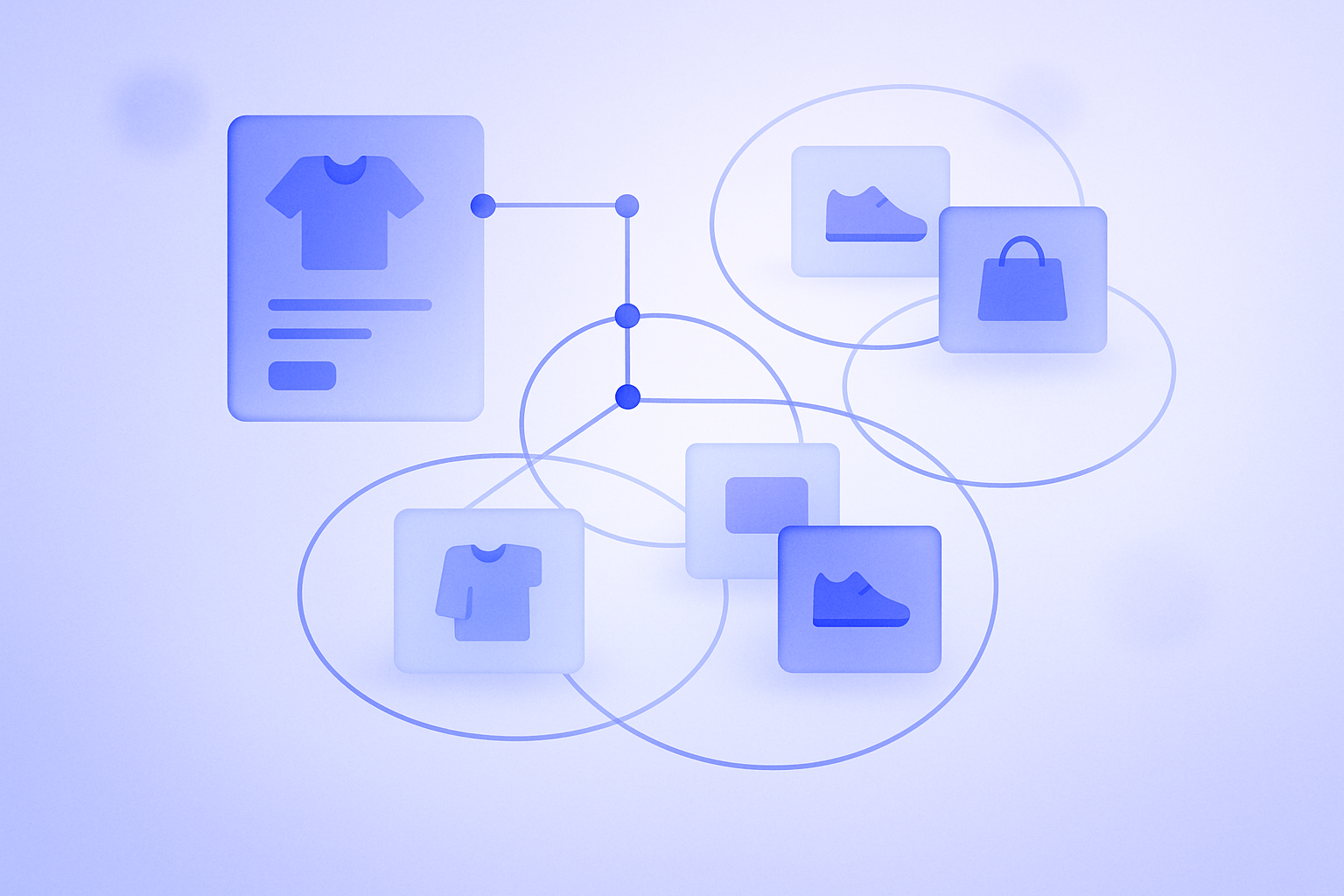
  • Illustration of an online product page surrounded by related items, showing how on-page recommendations can increase average order value in an ecommerce storefront.

    Four High-Impact Recommendation Placements to Grow AOV

    The fastest way to raise AOV is how and where you place products. With four well-chosen recommendation spots, you can lift AOV 5–10% without raising ad spend. This post outlines concrete Shopify placement patterns you can try today and what to watch out for.

  • Abstract illustration of an online store cart screen with a small number of recommended products displayed around the cart area, expressing a clean, unobtrusive recommendation layout.

    Designing cart recommendations that lift AOV without hurting checkout

    Cart recommendations do not automatically increase revenue. Done poorly, they depress conversions. This guide covers where to place them, what and how many items to show, what copy to use, and how to implement them in Shopify, plus how to apply RecoBoost effectively.

  • Abstract illustration of gears representing Shopify store checkout, discount, and shipping logic working together behind the scenes

    Practical Shopify Functions vs Scripts guide for real-world stores

    Shopify Functions safely extend checkout logic for discounts, shipping, and payments, but differ from legacy Shopify Scripts in scope and limits. This guide clarifies what you can and cannot do, and how to plan a realistic migration using common ecommerce use cases.

  • Simple diagram showing how Theme App Extensions and App Embeds add additional functionality into a Shopify storefront without directly editing the theme code

    Making Sense of Theme App Extensions and App Embeds in Real Operations

    Theme App Extensions and App Embeds both add app features into your theme, but what they can do and where you manage them differ. This article clarifies the differences and when to use which, focusing on points Shopify operators often struggle with in day‑to‑day work.

  • Illustration of a Shopify product catalog layout where dedicated metafield boxes inside product data are highlighted to show how metafields fit into catalog design

    Practical Shopify Metafields Guide: What to Store and What to Avoid

    Shopify metafields work best when treated as dedicated boxes for specific data, not catch‑all notes. This guide draws the line between what should and should not go into metafields, common failure patterns, and practical design rules that keep product data and content maintainable at scale.

  • Illustration showing Shopify product variants for colors and sizes being organized so the total number of variants fits within the 100-variant limit per product.

    Shopify’s 100 Variant Limit and Practical Workarounds

    Shopify’s 100-variant-per-product limit is easy to hit for items with many colors and sizes. This article maps where the limits are, what to trim, and how to split products, giving concrete patterns you can actually implement in day‑to‑day operations.

  • Illustration showing Shopify collections automatically organizing products into multiple groups based on preset conditions like tags, price, and inventory

    Practical ways to run Shopify collections with automated conditions

    Designing your store around Shopify automated collections dramatically cuts merchandising time as SKUs grow. This post explains condition design, common pitfalls, and when to fall back on manual collections, at a level you can apply directly in daily operations.

  • Illustration of an online store product shelf being organized together by AI recommendations and a store manager doing manual curation, working side by side.

    Practical guide to balancing AI recommendations and manual curation

    Treat AI recommendations as your “daily automated salesperson” and manual curation as your “merchandising planner.” This guide shows how Shopify merchants can combine both to grow revenue while controlling workload, with concrete page layouts, rules, and failure patterns.